
ClickUp promises to replace all your productivity apps. It's ambitious, feature-rich, and has one of the most aggressive free tiers in the industry. For teams overwhelmed by tool sprawl, ClickUp's "everything in one place" pitch is compelling.
But more features don't always mean better fit. What works for one team creates overhead for another. The question isn't whether ClickUp is powerful-it is. The question is whether that power serves your specific needs.
This guide provides an honest comparison between ClickUp and Protawk for teams evaluating project management software options.
Overview: Different Philosophies
ClickUp's Approach
Everything in one platform. ClickUp aims to replace Jira, Asana, Trello, Notion, Slack, and more. It's maximalist by design-if a feature exists in any productivity tool, ClickUp probably has a version.
Pros: Reduce tool count, comprehensive features, aggressive free tier Cons: Steep learning curve, feature overwhelm, performance issues at scale
Protawk's Approach
Right-sized for client work. Protawk focuses on freelancers, agencies, and small teams managing client projects. It includes essential features (3 views, client portal, milestones) without enterprise bloat.
Pros: Simple setup, native client portal, focused feature set Cons: Fewer features overall, smaller ecosystem, newer platform
Feature Comparison
Project Views
| View Type | ClickUp | Protawk |
|---|---|---|
| List | Yes | No |
| Kanban/Board | Yes | Yes |
| Gantt | Yes | Yes |
| Calendar | Yes | Yes |
| Table | Yes | No |
| Timeline | Yes | Yes (via Gantt) |
| Whiteboard | Yes | No |
| Mind Map | Yes | No |
| Docs | Yes | No |
| Form | Yes | No |
Verdict: ClickUp offers more view options overall. Protawk focuses on the 3 essential views (Kanban, Gantt, Calendar) that cover most project management needs.
Client Collaboration
| Feature | ClickUp | Protawk |
|---|---|---|
| Client Portal | Enterprise only | Included |
| Guest Access | Yes (limited on free) | Yes |
| Client-Specific Views | Complex setup | Native |
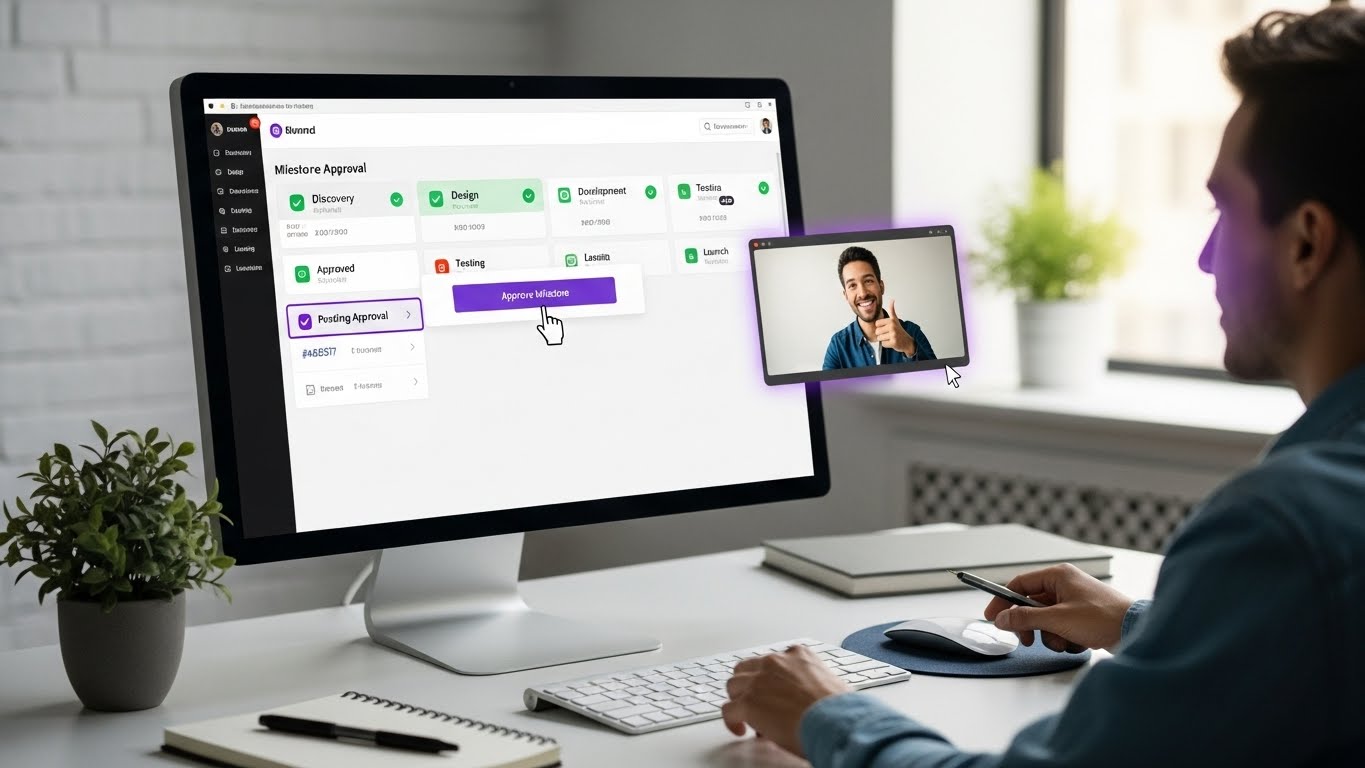
| Milestone Approvals | Workaround needed | Built-in |
| Branded Experience | Enterprise | Available |
Verdict: Protawk wins for client-facing work. Native client portal vs. enterprise-tier feature in ClickUp. If you work with external clients, this matters significantly.
Task Management
| Feature | ClickUp | Protawk |
|---|---|---|
| Tasks & Subtasks | Yes | Yes |
| Custom Fields | Extensive | Essential |
| Dependencies | Yes | Limited |
| Recurring Tasks | Yes | Yes |
| Time Tracking | Built-in | Integration |
| Multiple Assignees | Yes | Yes |
| Priority Levels | Yes | Yes |
Verdict: ClickUp offers more task management depth. For complex task structures and dependencies, ClickUp is stronger. For straightforward task management, both work well.
Documentation
| Feature | ClickUp | Protawk |
|---|---|---|
| Docs/Wiki | Extensive | Basic |
| Real-time Collaboration | Yes | Yes |
| Page Nesting | Yes | No |
| Templates | Yes | Yes |
| Embed Support | Yes | Limited |
Verdict: ClickUp's Docs are more Notion-like with deeper nesting and wiki features. Protawk focuses on project management with basic documentation capabilities.
Team Communication
| Feature | ClickUp | Protawk |
|---|---|---|
| Comments | Yes | Yes |
| @Mentions | Yes | Yes |
| Chat | Yes | Yes (Spaces) |
| Video (native) | Clips | No |
| Screen Recording | Yes | No |
Verdict: ClickUp includes more communication features. Protawk's Spaces provides team chat; ClickUp adds video clips and screen recording.
Automation
| Feature | ClickUp | Protawk |
|---|---|---|
| Workflow Automation | Extensive | Basic |
| Custom Triggers | Yes | Limited |
| Integration Automation | Yes | Limited |
| Pre-built Templates | Yes | Yes |
Verdict: ClickUp offers significantly more automation capability. Teams needing complex automation workflows should consider this.
Integrations
| Category | ClickUp | Protawk |
|---|---|---|
| Total Integrations | 1000+ | Growing |
| Slack | Yes | Yes |
| Google Workspace | Yes | Yes |
| GitHub | Yes | Limited |
| Zapier | Yes | Yes |
| Native API | Yes | Yes |
Verdict: ClickUp has a larger integration ecosystem. For teams heavily reliant on specific integrations, verify availability in both.
Pricing Comparison
ClickUp Pricing (2024)
| Tier | Price | Key Limits |
|---|---|---|
| Free Forever | $0 | 100MB storage, limited views |
| Unlimited | $7/user/mo | Unlimited storage, guests |
| Business | $12/user/mo | Advanced features, goals |
| Enterprise | Custom | SSO, advanced permissions |
Protawk Pricing
| Tier | Price | Key Features |
|---|---|---|
| Free | $0 | Core features included |
| Pro | Competitive | Full features, client portal |
| Team | Competitive | Team features |
Cost Comparison (10-person team):
- ClickUp Unlimited: $840/year
- ClickUp Business: $1,440/year
- Protawk: Check current pricing (typically competitive)
Hidden Costs:
- ClickUp: Features like advanced permissions require Business tier
- Both: Training time varies (ClickUp typically requires more)
User Experience
Learning Curve
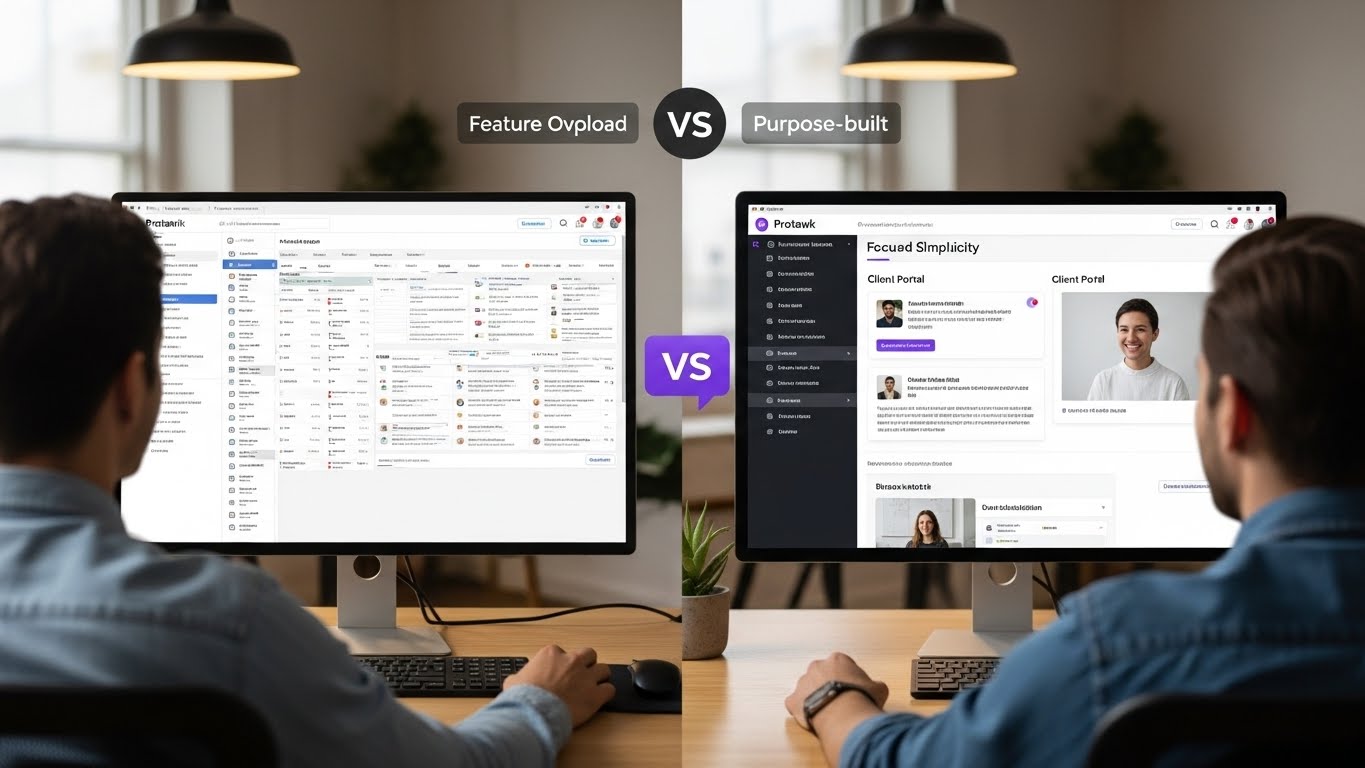
ClickUp: Steep ClickUp's feature depth creates complexity. New users often feel overwhelmed by options. Productivity gains take weeks to realize.
Protawk: Gentle Focused feature set means faster onboarding. Most users are productive within hours, not weeks.
Interface
ClickUp: Dense Information-rich but can feel cluttered. Customization options are extensive but require effort to configure well.
Protawk: Clean Minimalist approach prioritizes clarity. Less customization, but less configuration needed.
Performance
ClickUp: Variable Known performance issues with large workspaces. Heavy feature set creates load time concerns.
Protawk: Fast Lighter feature set means faster performance. Modern architecture prioritizes speed.
Mobile Experience
ClickUp: Comprehensive Full-featured mobile apps mirror web functionality. Can feel cramped given feature density.
Protawk: Streamlined Mobile apps focused on essential actions. Less feature complete but easier to navigate.
Use Case Fit
Best for ClickUp
Feature-Demanding Teams: Teams that will actually use advanced automation, complex dependencies, and extensive customization.
All-in-One Seekers: Teams wanting to consolidate docs, tasks, chat, and more into one platform.
Development Teams: Tech teams comfortable with complexity who need GitHub integration and sprint features.
Large Teams: Organizations with PM resources to configure and maintain complex setups.
Document-Heavy Work: Teams needing wiki-like documentation alongside project management.
Best for Protawk
Client-Service Businesses: Agencies and freelancers needing native client portal functionality.
Simplicity Seekers: Teams wanting power without complexity. Quick setup, intuitive use.
Small-Medium Teams: Teams without dedicated PM administrators. Self-service simplicity.
Milestone-Based Work: Projects organized around deliverables and approvals rather than sprints.
Budget-Conscious: Teams wanting essential features without enterprise pricing.
Decision Framework
Choose ClickUp If:
- You need extensive automation
- You want to replace multiple tools (docs, chat, tasks)
- Your team has time for configuration and training
- You need deep customization
- Complex dependencies are essential
- You're okay with learning curve investment
- Integration ecosystem is critical
Choose Protawk If:
- Client collaboration is primary need
- You want simple, fast setup
- Native client portal matters
- Milestone-based workflows fit your work
- Team prefers simplicity over options
- Quick onboarding is important
- You're an agency or freelancer
Migration Considerations
Moving to ClickUp
From Simpler Tools: Expect adjustment period. ClickUp's depth takes time to leverage.
Data Import: Good import options from most major tools. CSV support for custom migrations.
Timeline: Plan 2-4 weeks for setup and team adoption.
Moving to Protawk
From Complex Tools: Simpler transition. Less to configure, faster adoption.
Data Import: Import support available. Straightforward migration path.
Timeline: Most teams productive within days.
Honest Assessment
ClickUp's Strengths
- Feature completeness: If a feature exists, ClickUp probably has it
- Aggressive free tier: Generous for cash-strapped teams
- Integration ecosystem: Connects to virtually everything
- Customization depth: Configure almost anything
- All-in-one potential: Can genuinely replace multiple tools
ClickUp's Weaknesses
- Overwhelming options: Analysis paralysis for new users
- Performance concerns: Large workspaces can lag
- Configuration burden: Requires effort to set up well
- Client portal limitations: Requires enterprise for proper client access
- Feature bloat: Updates add complexity, not always value
Protawk's Strengths
- Native client portal: Best-in-class for external collaboration
- Simplicity: Power without complexity
- Quick setup: Productive in hours, not weeks
- 3 views included: No paywalling essential visualization
- Milestone workflows: Built for deliverable-based work
Protawk's Weaknesses
- Smaller ecosystem: Fewer integrations than established players
- Newer platform: Less mature than ClickUp
- Feature focus: Less comprehensive than all-in-one tools
- Advanced automation: Limited compared to ClickUp
- Enterprise features: Not built for large organization needs
Making the Decision
The right choice depends on your priorities:
If client work is your focus: Protawk's native client portal is a significant advantage. ClickUp requires enterprise tier for comparable functionality.
If feature depth is priority: ClickUp offers more. Whether you need more is the question.
If simplicity matters: Protawk. Less powerful means less to learn and maintain.
If budget is tight: Both have free tiers. ClickUp's is more generous feature-wise but may overwhelm.
If you're an agency/freelancer: Protawk is purpose-built for this use case. ClickUp can work but requires more configuration.
If you're a dev team: ClickUp's GitHub integration and sprint features make it more suitable.
Try Before Deciding
Both tools offer free trials. Test with real projects:
- Set up equivalent project structures
- Invite team members
- Test daily workflows
- Try client collaboration (if relevant)
- Evaluate learning curve
- Compare after 2 weeks
The right tool is the one your team will actually use effectively.
Start Your Protawk Trial
If client collaboration, simplicity, and milestone-based workflows matter to you, Protawk is worth evaluating.
Native client portal, 3 project views (Kanban, Gantt, Calendar), simple setup. See if it fits your workflow.
Because the best project management tool is the one that helps you work, not the one with the most features.