
You delivered great work. The client is unhappy. Not because of quality-because they felt out of the loop. They didn't know what was happening. Updates were sporadic. Questions went unanswered for days. By the time you delivered, trust had eroded.
Client communication makes or breaks agency and freelance relationships. Technical excellence matters, but clients can't evaluate your code quality or design decisions. What they can evaluate is how working with you feels. And that feeling is shaped primarily by communication.
This guide covers the communication practices that turn satisfied clients into enthusiastic referrers-and the mistakes that turn good work into bad relationships.
Why Client Communication Is Your Product
The Perception Problem
Clients rarely see your process. They don't see the 3 AM problem-solving session, the fifth iteration you scrapped, or the technical debt you avoided. They see:
- How quickly you respond
- How clearly you explain
- How proactively you update
- How professionally you handle problems
These communication touchpoints shape their entire perception of your work.
The Value Equation
For clients, value = results + experience.
Two freelancers deliver identical results. One communicates proactively, clearly, and professionally. One goes silent for weeks then drops a deliverable. Which one gets rehired?
Communication isn't overhead-it's a core deliverable.
The Referral Factor
Referrals drive agency and freelance growth. Clients refer people they enjoy working with, not just people who do good work. Communication determines enjoyment.
The Communication Foundation
Response Time Standards
Set and communicate response time expectations:
General inquiries: Response within 24 hours Project questions: Response within 8 working hours Urgent issues: Response within 2 hours
Share these standards at project kickoff. Meet them consistently. When you can't, acknowledge the delay.
Communication Channels
Define where communication happens:
Recommended:
- Primary: Project management tool (comments on tasks)
- Secondary: Email (formal communications, contracts)
- Urgent: Phone/text (true emergencies only)
What to Avoid:
- Every platform (Slack + email + text + calls + LinkedIn DMs)
- Unclear expectations about which channel for what
- Client using different channel than agreed
Establish this at project kickoff. Redirect gently when clients stray.
Proactive vs. Reactive
Reactive communication: Client asks, you answer. Proactive communication: You update before they ask.
Proactive communication demonstrates:
- You're thinking about the project
- You respect their time and anxiety
- You're in control
Clients who don't ask questions aren't necessarily happy-they might be frustrated. Don't wait for them to chase you.
Project Phase Communication
Kickoff Communication
Set the relationship tone with thorough kickoff:
Before Kickoff Meeting:
- Send agenda
- Confirm attendees
- Share relevant prep materials
During Kickoff:
- Review scope and deliverables
- Confirm timeline and milestones
- Establish communication expectations
- Introduce team members
- Address questions
After Kickoff:
- Send summary email within 24 hours
- Document decisions and action items
- Confirm next steps with deadlines
- Provide client portal access
In-Progress Communication
Maintain momentum with regular updates:
Weekly Status Updates: Send brief updates covering:
- What was accomplished this week
- What's planned for next week
- Any blockers or questions
- Current project status/phase
Milestone Completions: When completing milestones:
- Announce completion clearly
- Explain what was delivered
- Outline next steps
- Request any needed input
Issue Communication: When problems arise:
- Communicate early (don't hide issues)
- Explain what happened (without excuses)
- Present solution or options
- Confirm impact on timeline
Delivery Communication
Close strong with professional delivery:
Pre-Delivery:
- Confirm delivery is ready
- Schedule review meeting if needed
- Prepare handoff documentation
At Delivery:
- Clear explanation of deliverables
- How to access/use what's delivered
- Any important notes or caveats
- Next steps or ongoing support
Post-Delivery:
- Follow up for feedback
- Address any issues promptly
- Discuss future opportunities
Handling Difficult Communications
Breaking Bad News
Every project eventually hits problems. How you communicate them defines the relationship:
Do:
- Communicate early (as soon as you know)
- Take responsibility (no blame-shifting)
- Present solutions (not just problems)
- Offer options (give them control)
Don't:
- Hide problems hoping they resolve
- Over-explain or make excuses
- Blame others (even if true)
- Panic or be overly apologetic
Template: "I need to let you know about [issue]. This happened because [brief explanation]. The impact is [what it means for them]. I recommend we [solution]. Alternatively, we could [option 2]. What would you prefer?"
Managing Scope Creep
Scope creep requires clear communication:
When Client Requests Out-of-Scope Work:
- Acknowledge the request positively
- Clarify it wasn't in original scope
- Explain what adding it would require
- Offer options (with pricing if applicable)
Template: "Great idea! That feature wasn't in our original scope, but I can see why you want it. Adding it would require [X hours/days] and would cost [amount] / push our deadline to [date]. Would you like to add it to the project, or should we consider it for a future phase?"
Handling Criticism
Not all feedback is pleasant. Handle it professionally:
Do:
- Listen without defensiveness
- Ask clarifying questions
- Acknowledge their perspective
- Propose solutions
Don't:
- Get defensive
- Argue or justify
- Take it personally
- Ghost or withdraw
Template: "I appreciate you sharing this feedback. I want to make sure I understand-[restate concern]. You're right that [acknowledge valid point]. Here's what I propose to address this: [solution]. Does that work for you?"
Disappearing Clients
Sometimes clients go silent. Don't match their silence:
Follow-Up Sequence:
- Day 3: Friendly check-in
- Day 7: Direct question about status
- Day 14: Statement of impact
- Day 21: Final notice
Template (Day 14): "I haven't heard back from you on [item]. I want to keep your project moving, but I need [input/approval/feedback] to proceed. Without it, we'll need to pause the project, which would affect our delivery timeline. Can you let me know your status?"
Client Portal Communication
Client portals transform communication:
Benefits of Portal-Based Communication
Visibility Without Meetings: Clients check status themselves instead of asking you.
Context Preservation: Comments on tasks stay with tasks. No hunting through email.
Documentation: Everything is recorded with timestamps.
Professional Impression: Branded, organized portals signal professionalism.
Portal Communication Best Practices
Keep Status Current: Update task status as work progresses. Stale status undermines trust.
Comment in Context: Add updates to specific tasks/deliverables, not just general messages.
Use @Mentions: Direct attention to specific people when needed.
Notify Appropriately: Mark items ready for review. Clients should receive clear notifications when their attention is needed.
Training Clients on Portal Use
At kickoff:
- Walk through portal access
- Show how to check status
- Demonstrate commenting
- Explain approval process
- Set expectation that portal is primary channel
Redirect portal-shy clients gently: "I saw your email about the homepage design. I've responded in the project portal where we can keep all feedback together. Let me know if you have trouble accessing it."
Communication Templates
Weekly Update Template
Subject: [Project Name] Weekly Update - [Date]
Hi [Name],
Here's your weekly update for [Project]:
Completed This Week:
- [Accomplishment 1]
- [Accomplishment 2]
In Progress:
- [Current work 1]
- [Current work 2]
Coming Next Week:
- [Planned work 1]
- [Planned work 2]
Questions/Needs:
- [Any items needing client input]
Project Status: [Phase] - [% complete or milestone progress]
Let me know if you have any questions!
[Your name]
Milestone Delivery Template
Subject: [Project Name] - [Milestone] Ready for Review
Hi [Name],
[Milestone name] is complete and ready for your review!
What's Included:
- [Deliverable 1]
- [Deliverable 2]
How to Review: [Instructions or link to portal/files]
Feedback Deadline: Please review by [date] so we can stay on schedule for [next milestone].
Approval Process: Once you're happy with everything, please [approve in portal / reply to confirm].
Let me know if you have questions!
[Your name]
Delay Notification Template
Subject: Update on [Project Name] Timeline
Hi [Name],
I need to let you know about a timeline adjustment for [Project].
What Happened: [Brief, honest explanation without excessive detail or blame]
Impact: Our original delivery date of [date] will shift to [new date].
What We're Doing: [Actions being taken to address/minimize impact]
Options:
- Accept new timeline of [date]
- [Alternative option if applicable]
- [Alternative option if applicable]
I apologize for any inconvenience. [If appropriate: Here's what I'm offering to make it right: ...]
Please let me know which option works best for you.
[Your name]
Building Long-Term Communication Habits
Daily Habits
- Check all client channels at set times
- Update task status as work progresses
- Respond to questions within committed timeframe
- Document decisions immediately
Weekly Habits
- Send status updates (every client, every week)
- Review upcoming deadlines
- Identify and address blockers proactively
- Plan next week's communication needs
Project Habits
- Kickoff communication protocol
- Milestone delivery protocol
- Issue escalation protocol
- Project close protocol
Quarterly Habits
- Client relationship check-ins
- Communication process review
- Template updates
- Training updates for new team members
Common Communication Mistakes
Mistake 1: Going Dark
Silence is never the answer. Even "nothing to report" is better than silence. Clients assume the worst in information vacuums.
Mistake 2: Over-Communicating
Daily novel-length updates waste client time. Be concise. Weekly summaries beat daily interruptions.
Mistake 3: Wrong Channel for Wrong Message
Sensitive topics deserve calls, not emails. Quick questions don't need meetings. Match medium to message.
Mistake 4: Assuming Understanding
Just because you explained doesn't mean they understood. Check comprehension on important points.
Mistake 5: Letting Frustration Show
Difficult clients test patience. Professional communication persists regardless. Vent elsewhere.
Tools That Support Great Communication
What to Look For
Client Portal: Dedicated client-facing space with project visibility
In-Context Comments: Discussion attached to specific tasks/deliverables
Notification Control: Clients notified appropriately, not overwhelmed
Status Tracking: Visual progress clients can check anytime
Approval Workflows: Clear process for sign-offs
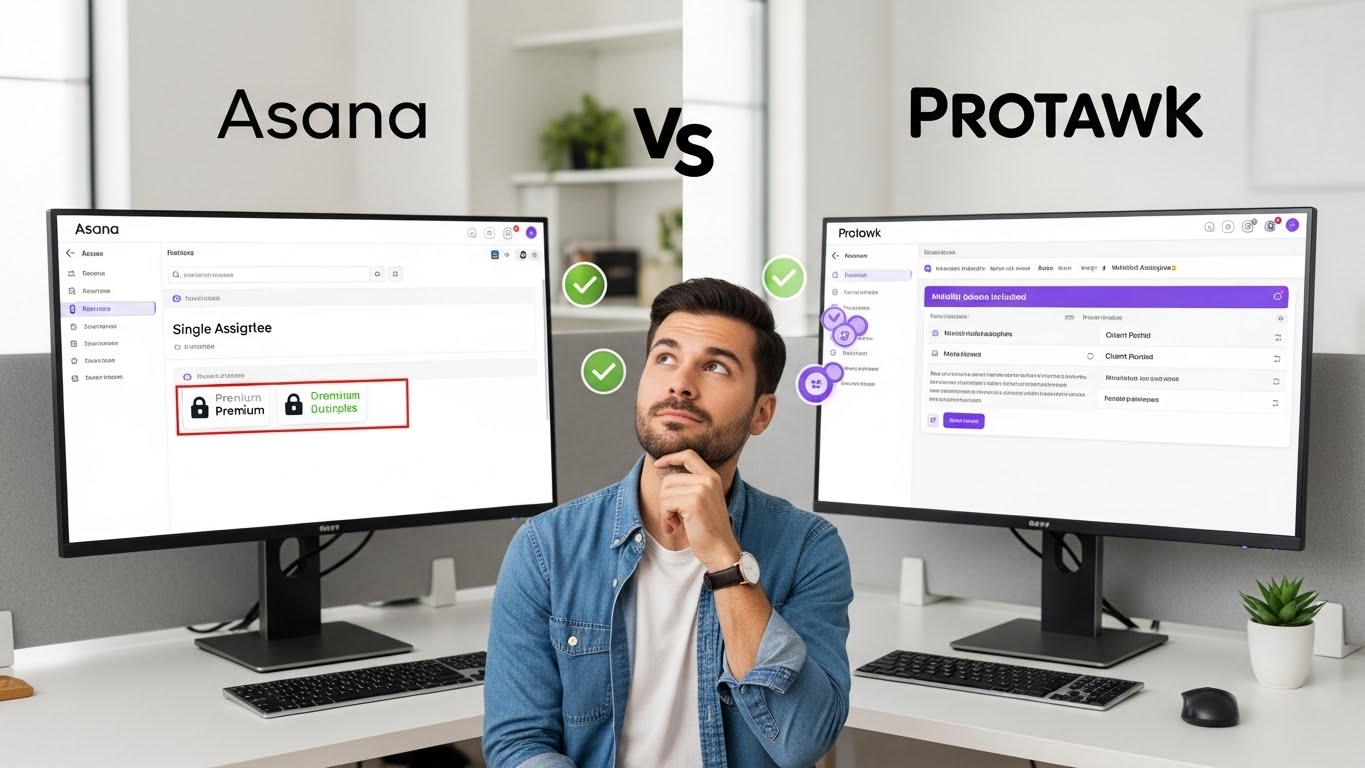
Protawk for Client Communication
Protawk was built for client-service businesses:
Native Client Portal: Professional, branded client space. Status visibility without exposing internal chaos.
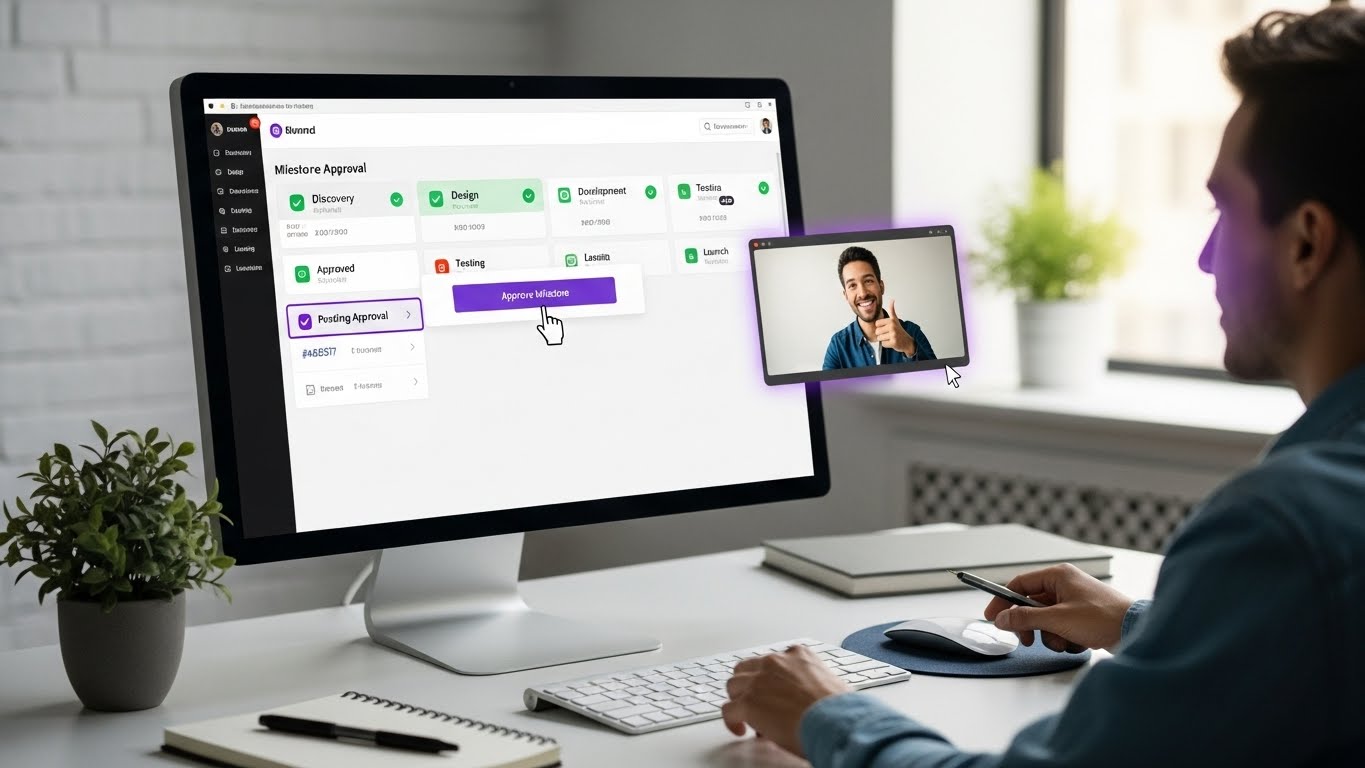
Milestone Workflows: Clear deliverables with formal approval process. Documented sign-offs.
In-Context Comments: Discussion happens on tasks. No lost email threads.
8 Project Views: Clients see progress in formats that make sense-Gantt for timeline, Kanban for status.
Elevate Your Client Communication
Great communication isn't talent-it's habit and system. Build the protocols, use the templates, stick to the schedule. Clients notice consistency.
Start with one improvement:
- Set response time expectations
- Send weekly updates consistently
- Implement a client portal
- Create templates for common communications
Protawk gives you the client portal and communication tools to deliver professional experiences that match your professional work.
Because how you communicate is as important as what you deliver.