
Creative work doesn't fit neatly into spreadsheets. Your design projects involve inspiration, iteration, and client feedback loops that generic project management tools were never built to handle. Concepts evolve. Revisions compound. Timelines shift as creative direction changes.
Most project management software was designed for linear workflows-tasks that start, get completed, and never reopen. Design work doesn't work that way. A logo concept might go through seven revisions. A website design might pivot entirely after stakeholder review. Creative deliverables live and breathe until final approval.
This guide covers project management specifically for design agencies-how to structure creative workflows, manage client feedback efficiently, and deliver beautiful work on time and on budget.
Why Design Work Is Different
Before adapting generic PM practices, understand what makes creative work unique:
Iteration Is Expected
In development, reopening completed tasks signals a problem. In design, it's the process. Concepts get refined. Directions change. What seemed final yesterday needs adjustment today.
Your project management approach must accommodate iteration without treating it as failure.
Subjectivity Rules
A bug is either fixed or it isn't. A design is either "good" or "not good"-and that judgment varies by person. Client feedback is subjective, sometimes contradictory, and occasionally unexpected.
Managing creative projects means managing opinions, preferences, and artistic vision alongside deadlines and deliverables.
Visual Communication
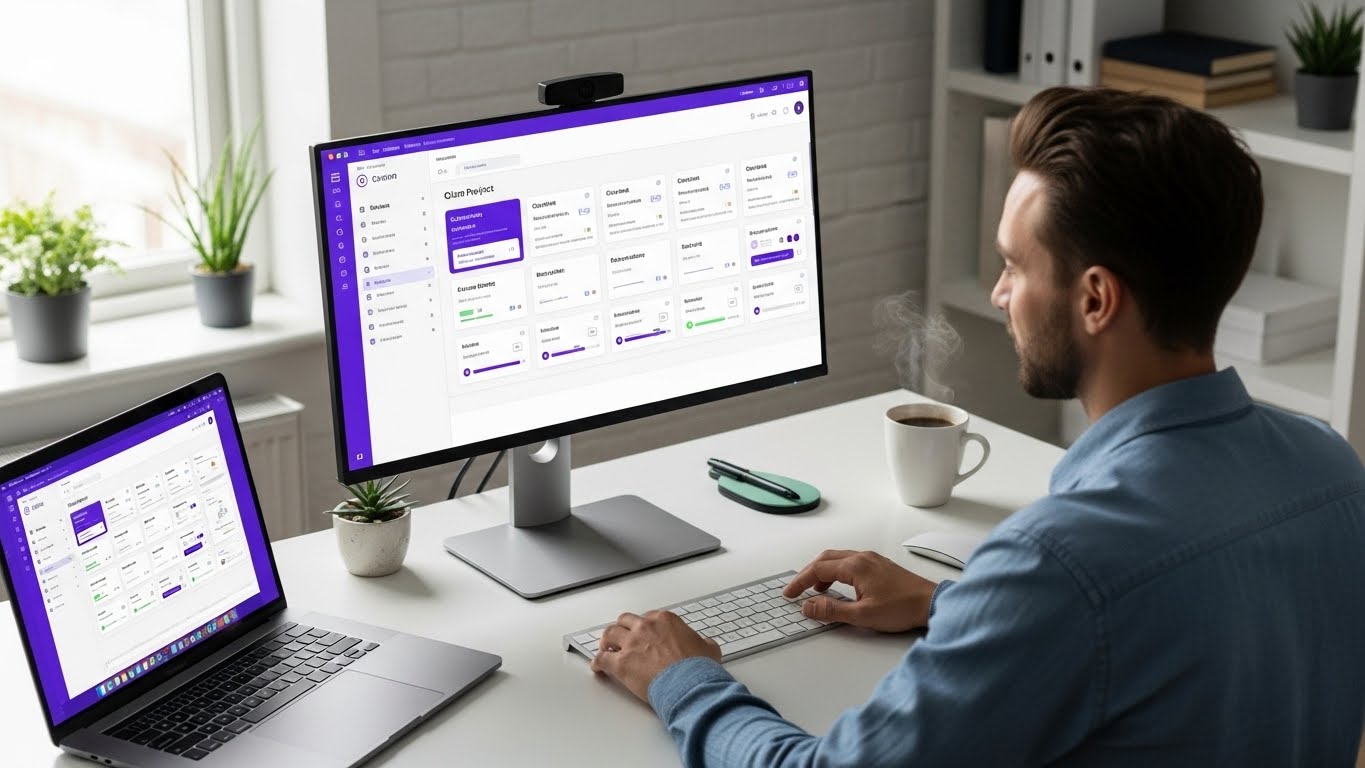
Design teams think visually. Text-heavy project management interfaces work against how creatives naturally communicate. Moodboards, screenshots, and visual references need homes alongside task lists.
Client Involvement Is Constant
Unlike technical projects where clients see the finished product, design work requires ongoing client input. Concepts need approval before execution. Revisions need review. Final deliverables need sign-off.
Client touchpoints happen throughout the project, not just at the end.
Project Structure for Design Agencies
Phase-Based Organization
Structure design projects around phases, not just tasks:
Discovery Phase
- Client brief review
- Brand research
- Competitor analysis
- Inspiration gathering
- Mood board creation
Concept Phase
- Initial concepts (typically 2-3 directions)
- Internal review
- Client presentation
- Direction selection
Development Phase
- Selected concept refinement
- Variations and applications
- Asset creation
- Client feedback rounds
Delivery Phase
- Final revisions
- File preparation
- Asset export
- Handoff documentation
- Client training (if needed)
Each phase has clear deliverables and client approval points. This structure gives clients visibility into progress and gives your team predictable milestones.
The Revision System
Revisions are inevitable. Plan for them:
Round Structure:
- Round 1: Initial concepts/designs
- Round 2: Revisions based on feedback
- Round 3: Final refinements
- Additional rounds: Scope change (communicate to client)
Clearly defining revision rounds prevents scope creep and sets client expectations. Include revision limits in contracts, with pricing for additional rounds.
Tracking Revisions: For each deliverable, track:
- Current version
- Feedback received
- Changes made
- Status (draft, in review, approved)
When clients say "go back to what we had before," you can find it. When scope questions arise, you have documentation.
Deliverable vs. Task Thinking
Design clients think in deliverables:
- "I need a logo"
- "I need a website design"
- "I need a brand guide"
They don't think in tasks:
- "Design logo concept 1"
- "Create wireframes for homepage"
- "Export assets for print"
Structure your projects around deliverables that clients understand, with tasks hidden underneath for internal tracking. Clients see the forest; your team sees the trees.
Managing Client Feedback
Centralized Feedback Location
Scattered feedback kills productivity. When comments come via email, Slack, phone calls, and texts, important notes get lost.
Solution: One feedback location per project. All comments live there. If clients send feedback elsewhere, redirect them:
"Thanks for that feedback! Could you add it to [feedback location] so it stays with the project? That way we won't miss anything."
Native client portals make this easy-clients comment directly on deliverables without accessing your internal workspace.
Specific Over General
Train clients to give specific feedback:
Vague (unhelpful): "I don't love it." Specific (actionable): "The blue feels too corporate. Can we try something warmer?"
When feedback is vague, ask clarifying questions before starting revisions. Better to spend time understanding than to guess wrong.
Consolidating Conflicting Feedback
Multiple stakeholders mean conflicting opinions. The marketing director loves it; the CEO hates it. Without consolidation, you're stuck.
The Designated Decision-Maker: Establish who has final say at project kickoff. When opinions conflict, that person decides. Document this in your project setup.
Feedback Deadlines: Set deadlines for consolidated feedback. If stakeholders haven't aligned by the deadline, you proceed with what you have. This prevents endless internal debates delaying your project.
Approval Workflows
Formal approval processes protect everyone:
- Deliverable Submitted: Design is uploaded, status set to "In Review"
- Client Reviews: Stakeholders examine and discuss
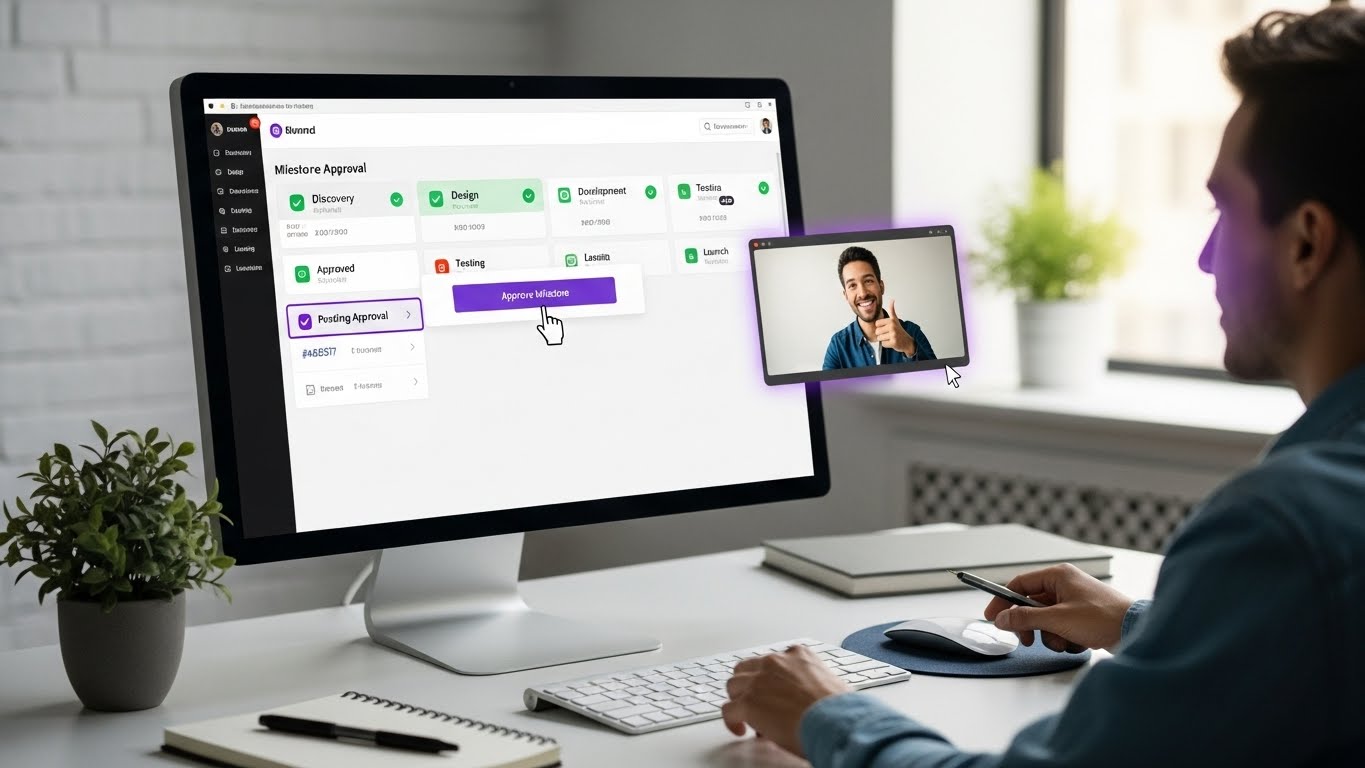
- Feedback or Approval: Client either provides revision notes OR approves
- If Feedback: Address notes, resubmit for review
- If Approved: Status changes, next phase unlocks
Documented approvals create clear records. When clients later say "I never approved that," you have timestamped evidence.
Visual Project Views
Kanban for Daily Work
Kanban boards show work status at a glance:
Columns for Design Teams:
- Backlog (not started)
- In Progress (actively working)
- Internal Review (team checking)
- Client Review (awaiting feedback)
- Revisions (addressing feedback)
- Approved (ready for next phase)
This flow handles the iteration cycles that design requires. Items can move backward (from Approved to Revisions) without confusion.
Gantt for Timeline Planning
When mapping multi-phase projects, Gantt charts show the big picture:
- Project duration across weeks/months
- Phase dependencies (development can't start until concepts approved)
- Deadline visibility
- Resource allocation (who's on which project when)
For client proposals and kickoff meetings, Gantt views communicate professionalism and set realistic expectations.
Calendar for Deadline Management
Calendar views show what's due when:
- Client presentations this week
- Review deadlines approaching
- Multiple project conflicts
- Resource availability
When managing multiple clients, calendar view prevents deadline collisions and overcommitment.
Gantt Charts for Timeline Planning
Creative projects need clear timeline visibility:
- Project phase mapping
- Deadline dependencies
- Resource allocation
- Client delivery dates
Tools with integrated Gantt charts keep timeline planning connected to project management.
Managing Multiple Creative Projects
Resource Allocation
Design teams have limited creative capacity. Managing that capacity requires visibility:
Per-Designer View: See what each designer is working on this week. Identify who's overloaded, who has capacity.
Per-Project View: See who's assigned to each project. Ensure coverage across all active work.
Capacity Planning: Before taking new projects, check team availability. Better to decline or delay than to overcommit and underdeliver.
Priority Frameworks
When everything is urgent, nothing is urgent. Establish priority criteria:
Client Tier: Strategic clients get priority over one-off projects.
Revenue Impact: Higher-value projects get resource priority.
Deadline Proximity: Approaching deadlines bump priority.
Approval Dependencies: Unblock client-waiting items to prevent project stalls.
Use these criteria to make consistent prioritization decisions rather than responding to whoever is loudest.
Context Switching Costs
Creative work suffers from context switching. Designers need focus time to do good work.
Strategies:
- Assign designers to one project per day when possible
- Batch similar work (all photo editing on Tuesday)
- Protect design time from meetings and communication
- Schedule client calls and internal meetings in clusters
Client Communication Excellence
Project Kickoff
Start projects with clarity:
Kickoff Meeting Agenda:
- Review project scope and deliverables
- Confirm timeline and milestones
- Establish communication expectations
- Introduce team members
- Grant client portal access
- Review feedback and approval process
- Address questions
Document everything discussed. Send summary email with timeline and next steps.
Progress Updates
Don't wait for clients to ask. Proactive updates build trust:
Weekly Update Template:
- What we accomplished this week
- What we're working on next week
- Any blockers or questions
- Current project status/phase
Five minutes of update writing saves hours of "how's it going?" conversations.
Presentation Best Practices
How you present work affects how it's received:
Show the Process: Brief clients on the thinking behind designs. "We explored three directions based on your brief. The first emphasizes..."
Control the Context: Present work in appropriate contexts-not tiny email attachments but proper presentation environments.
Guide Feedback: Ask specific questions. "Does this color palette feel right for your brand?" gets better feedback than "What do you think?"
Set Expectations: "This is a concept, not a final design. We're looking for direction feedback before refinement."
Pricing and Scope Management
Project-Based vs. Hourly
Design agencies often debate pricing models:
Project-Based (Fixed Price):
- Client knows cost upfront
- Rewards efficiency
- Risk: scope creep erodes margins
- Need: excellent scope definition
Hourly (Time and Materials):
- Paid for actual time spent
- Accommodates evolving scope
- Risk: client cost uncertainty
- Need: accurate time tracking
Hybrid (Retainer):
- Monthly allocation of hours
- Predictable for both parties
- Good for ongoing relationships
- Need: clear scope within retainer
Whatever model you choose, clear scope definition prevents problems.
Scope Documentation
Define scope explicitly:
What's Included:
- Specific deliverables
- Number of concepts/options
- Revision rounds included
- Timeline and milestones
- What client provides (content, assets, etc.)
What's Not Included:
- Additional revision rounds (pricing per round)
- New deliverables (requires new scope)
- Rush fees (for compressed timelines)
- Extended support (post-delivery changes)
Put it in writing. Get sign-off before starting.
Change Request Process
When scope changes (and it will):
- Document the Request: What does the client want that wasn't originally scoped?
- Assess Impact: How does this affect timeline and budget?
- Communicate Options: "We can add this for $X and Y days" or "Adding this means removing that."
- Get Approval: Client approves change before work begins.
- Update Project: Adjust timeline, budget, deliverables accordingly.
This process protects your margins and keeps clients informed.
Tools for Design Agencies
What to Look For
Visual Interface: Design teams work visually. Cluttered, text-heavy interfaces create friction.
Multiple Views: Kanban for daily work, Gantt for planning, Calendar for deadlines.
Client Portal: Native client collaboration without exposing internal chaos.
Milestone/Deliverable Focus: Structure around deliverables, not just tasks.
File Management: Easy asset access, version tracking, organized deliverables.
Approval Workflows: Formal sign-off process with documentation.
Tool Recommendations
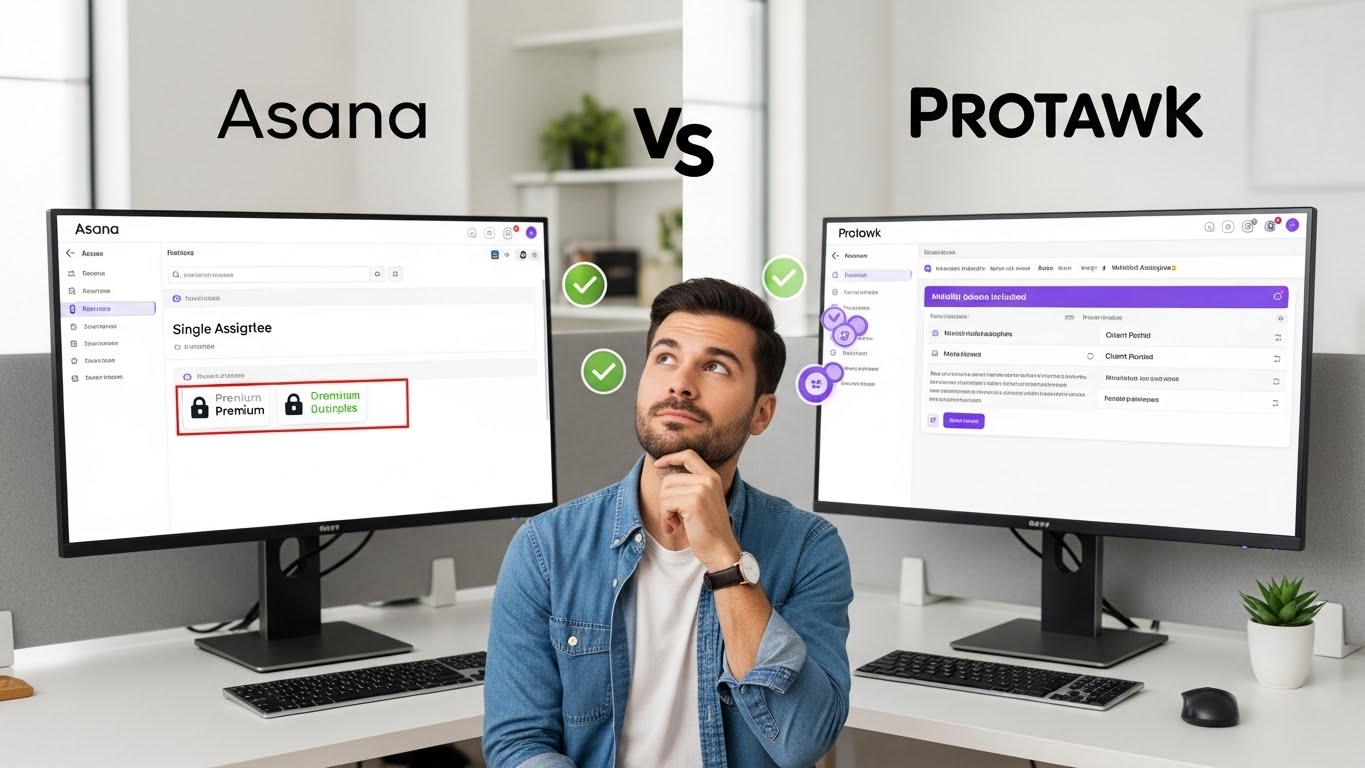
For Visual-First Teams: Tools like Protawk offer multiple views (including whiteboard) and native client portals without enterprise complexity.
For Larger Agencies: Tools like Workamajig or Function Point offer design-specific features but higher price points and learning curves.
For Minimal Setup: Tools like Notion or Basecamp offer simplicity but lack design-specific workflows.
Building Your Agency's System
Phase 1: Foundation
Start with basics:
-
Project Template: Create a standard project structure with phases, milestones, and typical tasks.
-
Client Portal Setup: Enable client visibility for each project. Define what clients see vs. internal work.
-
Approval Workflow: Establish how deliverables move from internal to client review to approved.
-
File Organization: Create consistent folder structures for assets, references, and deliverables.
Phase 2: Optimization
Once basics work:
-
Time Tracking: If not already doing, track time against projects for profitability analysis.
-
Template Refinement: Adjust project templates based on actual workflow patterns.
-
Reporting: Build views for resource utilization, project health, and deadline tracking.
-
Process Documentation: Document your workflows so team members can follow consistently.
Phase 3: Scale
As you grow:
-
Role-Based Views: Different views for designers, project managers, and leadership.
-
Cross-Project Visibility: Dashboard showing all active projects for resource planning.
-
Client Onboarding: Standardized process for bringing new clients into your system.
-
Quality Assurance: Checklists and review processes before client delivery.
Common Design Agency Mistakes
Mistake 1: Invisible Progress
Clients can't see what's happening between presentations. They assume nothing is happening.
Solution: Regular updates and client portal visibility showing progress.
Mistake 2: No Revision Limits
Unlimited revisions sound client-friendly but destroy profitability.
Solution: Define revision rounds in contracts. Additional rounds have additional cost.
Mistake 3: Over-Promising Timelines
Creative work takes time. Rushing produces mediocre results.
Solution: Build realistic timelines with buffer. Under-promise and over-deliver.
Mistake 4: Poor Feedback Management
Feedback scattered across channels, lost in email threads, contradicted by other stakeholders.
Solution: Single feedback location, consolidated input, designated decision-maker.
Mistake 5: Ignoring Profitability
Busy isn't the same as profitable. Agencies can work constantly while losing money on underpriced projects.
Solution: Track time, analyze project profitability, adjust pricing based on data.
The Protawk Advantage for Design Agencies
Protawk was built with creative teams in mind:
3 Project Views: Kanban for daily work, Gantt for timeline planning, Calendar for deadlines-all showing the same project data.
Native Client Portal: Clients see polished project dashboards, provide feedback in context, and approve milestones formally. Your internal work stays internal.
Milestone-Based Structure: Organize around deliverables clients understand, with tasks hidden for internal management.
Approval Workflows: Formal sign-off process with timestamps and documentation.
Visual-First Design: Clean interface that doesn't fight against creative thinking.
Transform Your Agency's Operations
Design agencies deserve tools built for creative workflows. Stop fighting generic project management software and start using systems designed for how creative work actually happens.
Structure projects around phases and deliverables. Centralize client feedback. Implement formal approval workflows. Protect creative capacity from context switching.
Set up your first client project in Protawk today. Experience project management that works with your creative process, not against it.
Because creative work deserves creative tools.