
Jira is the default choice for software teams. It's powerful, established, and deeply embedded in enterprise workflows. But somewhere between its comprehensive feature set and your team's actual needs, a gap emerged.
You don't need sprint velocity tracking. You don't need complex workflow automations. You don't need seventeen issue types and forty custom fields. You need to know what your team is working on and when things will be done.
If you've found yourself fighting Jira more than using it, this guide is for you. Learn when simpler project management software makes sense and what alternatives exist for teams that outgrew spreadsheets but don't need enterprise complexity.
Why Teams Start with Jira
Understanding Jira's appeal explains why teams end up there:
The Safe Choice
"Nobody gets fired for choosing Jira." It's the industry standard for software development. When evaluating tools, Jira is always on the list-and often wins by default.
Comprehensive Features
Jira can handle virtually any workflow. Scrum, Kanban, hybrid-it adapts. Custom fields, automation rules, integrations with everything. If you need it, Jira probably has it.
Atlassian Ecosystem
Confluence for docs, Bitbucket for code, Jira for issues. The ecosystem integrates, creating a compelling package for development teams.
Enterprise Requirements
Large organizations often mandate Jira for compliance, reporting, and standardization. If your enterprise already uses it, resistance is futile.
Why Teams Leave Jira
Despite its strengths, patterns emerge in Jira frustration:
Configuration Overwhelm
Setting up Jira "correctly" is a project itself. Workflows, issue types, screens, schemes-the configuration options are endless. Many teams never finish setup; they just start using a half-configured system.
Overkill for Simple Needs
Not every team runs sprints. Not every project needs burndown charts. Not every workflow requires 12 status columns. Jira's power becomes burden when you only need basics.
Admin Tax
Maintaining Jira requires ongoing attention:
- User management
- Permission updates
- Workflow modifications
- Integration maintenance
- Performance optimization
Someone becomes the "Jira admin." That's overhead smaller teams can't afford.
Cost Escalation
Jira's pricing isn't outrageous individually, but costs compound:
- Base Jira license
- Confluence (you'll need docs)
- Apps/plugins for missing features
- Admin time to manage it all
What seemed affordable becomes a significant line item.
Speed and Performance
Jira is... not fast. Page loads, search queries, board refreshes-enterprise software has enterprise weight. For teams used to modern web applications, Jira feels sluggish.
Non-Developer Teams
Jira speaks developer. Clients, marketers, designers-non-technical stakeholders struggle. The interface assumes familiarity with Agile concepts and software development terminology.
When Simple Makes Sense
Small Teams (Under 15 People)
Small teams don't need enterprise features. They need visibility into work and simple coordination. Jira's power-to-complexity ratio is wrong for this scale.
Non-Software Projects
Marketing campaigns, design projects, content production-these aren't software development. They don't need sprints, story points, or burndown charts. They need task tracking and deadline visibility.
Client-Facing Work
Inviting clients into Jira creates friction. The interface intimidates non-technical stakeholders. Client portals should be simple, not developer-oriented.
Mixed Teams
When developers work alongside non-developers, tool choice matters. Jira alienates non-technical team members. Simpler tools include everyone.
Startup Speed
Startups need agility, not process. Heavy project management tools create process overhead that slows fast-moving teams. Simple tools flex with rapid change.
What "Simple" Actually Means
Simple doesn't mean limited. It means:
Easy Setup
Create a project. Add tasks. Start working. No configuration wizards, no mandatory admin training, no week-long implementation.
Intuitive Interface
New team members should be productive in minutes. If you need training videos to use basic features, it's not simple.
Right-Sized Features
Features that solve common problems without options for every edge case. 80% of value with 20% of complexity.
Flexible Without Forcing
Support multiple workflows without mandating specific methodologies. Kanban without requiring Kanban training. Timelines without demanding Gantt expertise.
Fast Performance
Modern web application speed. No waiting for boards to load. No spinning cursors on search.
Jira Alternatives for Simple Project Management
For Simple Task Management
Trello
- Kanban boards done right
- Extremely simple interface
- Free tier is generous
- Limitation: Kanban only, no timeline views
- Best for: Very simple projects, visual thinkers
Todoist
- Task lists with hierarchy
- Natural language input
- Clean, fast interface
- Limitation: Limited project management features
- Best for: Personal productivity, simple task tracking
For Team Collaboration
Asana
- Multiple views (List, Board, Timeline, Calendar)
- Clean interface
- Strong task management
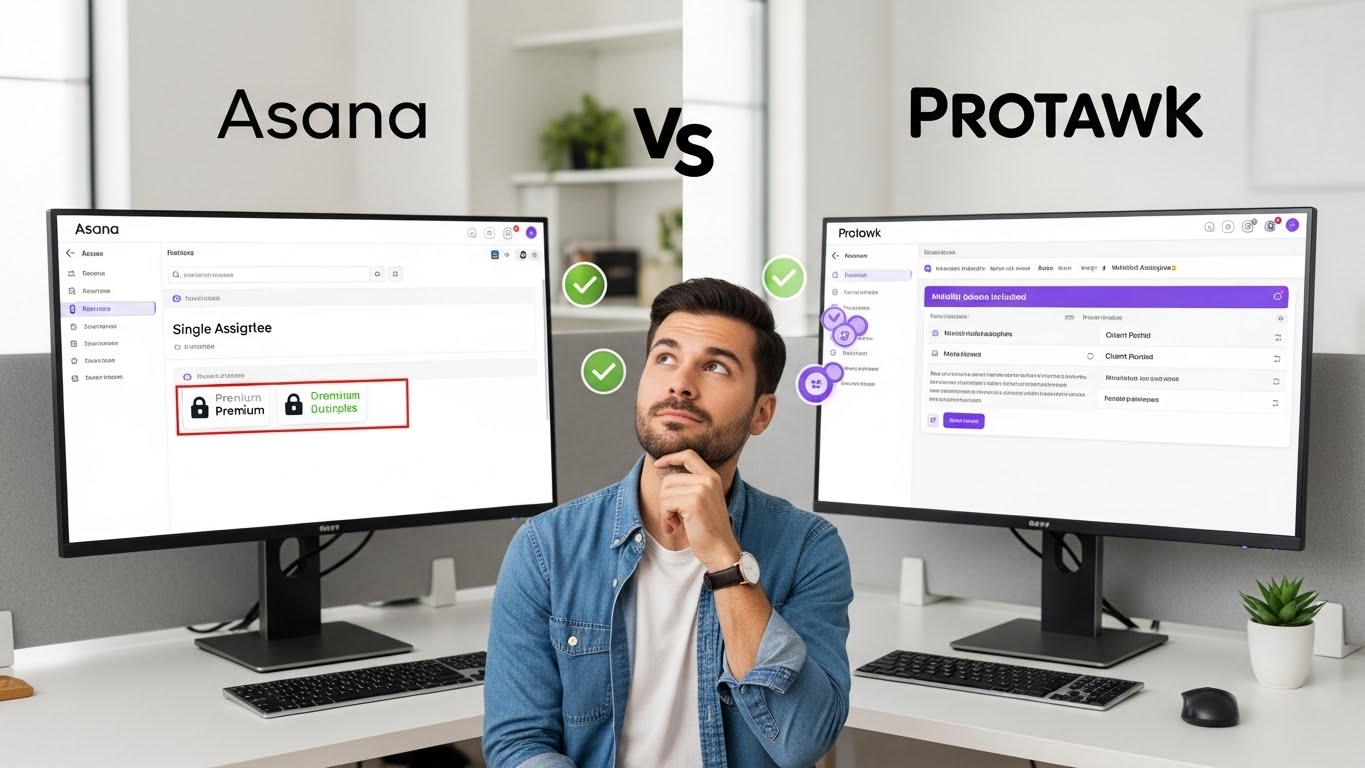
- Limitation: Timeline requires Premium, no native client portal
- Best for: Marketing teams, general business projects
Basecamp
- Opinionated simplicity
- Flat pricing ($99/month unlimited)
- Chat, files, tasks combined
- Limitation: No Gantt charts, basic task management
- Best for: Teams wanting extreme simplicity
For Balanced Power + Simplicity
Protawk
- 3 project views (Kanban, Gantt, Calendar)
- Native client portal
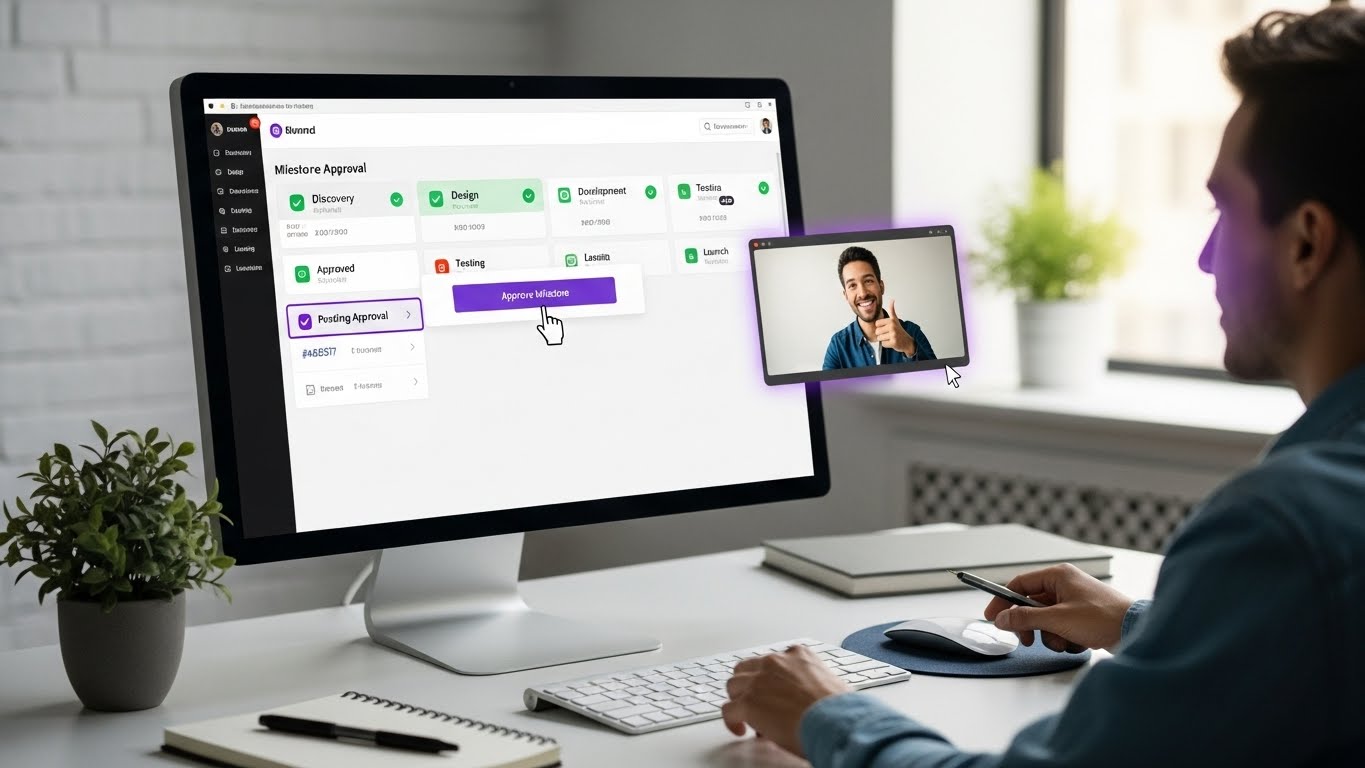
- Milestone workflows
- Simple interface, powerful when needed
- Best for: Agencies, freelancers, client-facing work
Linear
- Modern, fast interface
- Built for software teams
- Keyboard-driven workflow
- Limitation: Developer-focused
- Best for: Development teams wanting Jira simplicity
ClickUp
- Feature-rich platform
- Multiple views included
- Competitive free tier
- Limitation: Can be overwhelming
- Best for: Teams wanting features without full Jira complexity
For Development-Focused
GitHub Issues/Projects
- Integrated with code
- Simple issue tracking
- Free with GitHub
- Limitation: Basic PM features
- Best for: Open source, code-centric teams
Shortcut (formerly Clubhouse)
- Developer-focused
- Less complex than Jira
- Modern interface
- Best for: Software teams wanting middle ground
Feature Comparison: What You Actually Need
Views and Visualization
| Feature | Jira | Protawk | Asana | Trello |
|---|---|---|---|---|
| Kanban | Yes | Yes | Yes | Yes |
| Gantt/Timeline | Plugin | Yes | Premium | Plugin |
| Calendar | Limited | Yes | Yes | Plugin |
| Table | Yes | No | Yes | No |
| Whiteboard | Separate product | No | No | No |
Collaboration
| Feature | Jira | Protawk | Asana | Trello |
|---|---|---|---|---|
| Comments | Yes | Yes | Yes | Yes |
| File sharing | Yes | Yes | Yes | Yes |
| Client portal | No | Yes | No | No |
| Real-time chat | Separate product | Yes (Spaces) | No | No |
Workflow
| Feature | Jira | Protawk | Asana | Trello |
|---|---|---|---|---|
| Custom workflows | Complex | Simple | Limited | Power-ups |
| Sprints | Yes | No | No | Power-ups |
| Milestones | Yes | Yes | Yes | No |
| Dependencies | Yes | Limited | Premium | No |
Complexity
| Factor | Jira | Protawk | Asana | Trello |
|---|---|---|---|---|
| Setup time | Days-weeks | Minutes | Hours | Minutes |
| Learning curve | Steep | Gentle | Moderate | Minimal |
| Admin overhead | High | Low | Moderate | Low |
| Customization | Extreme | Moderate | Moderate | Limited |
Making the Switch from Jira
When to Switch
Switch if:
- Admin overhead exceeds value
- Team struggles with complexity
- Non-developers are excluded
- You're paying for unused features
- Speed and simplicity matter more than power
Stay if:
- Your enterprise mandates Jira
- You actually use advanced features
- Migration costs exceed pain
- Your team is fully trained and productive
- Compliance requirements demand Jira
Migration Steps
Step 1: Audit Current Use Before migrating, understand what you're actually using:
- Which Jira features are active?
- What workflows exist?
- How many projects/issues?
- What integrations matter?
Often, you're using 20% of Jira's features.
Step 2: Evaluate Alternatives Test alternatives with a real project:
- Can it handle your workflow?
- Does the team prefer it?
- What features are missing?
- What's the total cost?
Step 3: Plan Migration Decide what to migrate:
- Active projects only? Or history?
- User accounts and permissions?
- Attachments and files?
- Integrations?
Step 4: Parallel Running Run both systems temporarily:
- New work in new system
- Active projects in Jira
- Gradually transition
- Allow team adjustment time
Step 5: Complete Transition Once comfortable:
- Move remaining active work
- Archive Jira for reference
- Cancel subscription
- Document new processes
Common Migration Concerns
"We'll lose our history" Export what matters. Most history is rarely referenced. Archive Jira data without maintaining active subscription.
"What about our workflows?" Complex Jira workflows often mean over-engineering. Simpler tools force simpler processes-often an improvement.
"Our team knows Jira" If your team truly knows Jira, they can learn simpler tools faster. The question is whether Jira expertise is valuable or sunk cost.
"We need sprints" Do you? Or do you run sprints because Jira encourages them? Many teams work effectively without formal sprint structure.
When Jira Is Actually Right
This guide isn't anti-Jira. Jira makes sense for:
Enterprise Development Teams
Large organizations with dedicated project management staff, compliance requirements, and standardization needs.
Complex Software Development
Teams actually using sprint planning, velocity tracking, release management, and advanced reporting.
Atlassian-Integrated Environments
Organizations committed to the Atlassian ecosystem where integration benefits outweigh complexity costs.
Mature Agile Practices
Teams with established Agile processes who benefit from Jira's methodology support.
The Simple Project Management Mindset
Choosing simpler tools isn't choosing less capability. It's choosing appropriate capability. The best tool is one your team actually uses effectively.
Signs you need simpler:
- Team avoids the tool
- Most features unused
- New members struggle to onboard
- Admin time exceeds benefit
- Non-technical stakeholders excluded
Signs you need powerful:
- Outgrowing current tool
- Need advanced reporting
- Compliance requirements
- Large team coordination
- Complex workflow needs
Try Protawk for Simple, Powerful PM
Protawk sits in the sweet spot: powerful enough for real projects, simple enough to actually use.
8 Views: See your work however makes sense-Kanban, Gantt, Calendar, Table, and more.
Client Portal: Include clients and stakeholders without Jira's intimidation.
Milestone Workflows: Track meaningful deliverables, not just tasks.
Fast and Modern: No waiting for pages to load. No enterprise weight.
No Sprint Requirement: Work however fits your team, not how the tool demands.
Try a project in Protawk. See if simple works better than complex for your team.
Because project management should help you work, not become work itself.