
You started freelancing to escape the 9-to-5 grind. Now you're juggling five clients, each convinced their project is your top priority. Your inbox overflows with "quick questions." Your calendar is a maze of deadlines. And that organized system you promised yourself? It collapsed two clients ago.
Managing multiple clients as a freelancer is a unique challenge. You're the project manager, the executor, the communicator, and the accountant-all while switching contexts constantly between completely different projects.
This guide shares battle-tested strategies for staying organized when client work threatens to overwhelm you. Whether you're managing three clients or thirteen, these systems scale.
The Multi-Client Challenge
Before diving into solutions, let's understand why multiple clients create specific problems:
Context Switching Tax
Every time you switch between client projects, your brain needs time to reload context. What was the last feedback? What's the current status? What's the priority?
Research shows context switching can consume 40% of productive time. With multiple clients requiring attention, you might spend more time switching than working.
Competing Priorities
Client A needs revisions by Tuesday. Client B's project launched late and needs urgent fixes. Client C is waiting for the deliverable you promised last week. Everyone thinks their project is most important.
Without clear prioritization systems, you'll either disappoint clients or work unsustainable hours trying to please everyone.
Communication Overload
Multiple clients mean multiple communication channels. Five clients might mean five Slack channels, five email threads, five sets of "quick questions" interrupting your focus.
The communication overhead of client management can eclipse actual productive work.
Deadline Collisions
When every client wants things "as soon as possible," deadlines cluster. You end up with feast-or-famine cycles: panicked deadline weeks followed by awkward waiting periods.
Relationship Maintenance
Freelance success depends on relationships. But maintaining genuine connection with multiple clients takes energy. It's tempting to become transactional-and clients notice.
Organization Systems That Work
The Project-Per-Client Foundation
Start with clear separation. Each client gets their own space in your project management software:
One Client = One Project (or Workspace)
Don't mix client work. Even if projects seem small, keeping them separate:
- Prevents confidentiality mistakes
- Makes time tracking accurate
- Enables clean client visibility
- Simplifies archiving when projects end
Naming Conventions That Scale
When you have multiple clients, consistent naming prevents confusion:
Format: [Client Name] - [Project Type] - [Phase]
Examples:
- "Acme Corp - Website Redesign - Development"
- "BlueTech - Brand Identity - Delivery"
- "StartupX - Marketing Campaign - Planning"
Consistent naming means you can find anything quickly, even months later.
Color Coding for Visual Scanning
Assign colors to clients (not projects). When scanning your calendar or task list, color instantly identifies which client needs attention.
Pick colors that are visually distinct-red and orange are too similar when quickly scanning.
Status Standardization
Use consistent statuses across all projects:
- Planning: Not yet started
- Active: Currently in progress
- Waiting: Blocked on client input
- Review: Delivered, awaiting approval
- Complete: Finished and delivered
Standard statuses let you quickly assess workload across all clients.
Managing Competing Priorities
The Priority Matrix
When everything feels urgent, use a simple framework:
Urgent + Important: Do now. These are true emergencies affecting client relationships or revenue.
Important + Not Urgent: Schedule these. Important work that isn't urgent often delivers the most value but gets neglected.
Urgent + Not Important: Delegate or batch. Quick requests that feel urgent but won't matter next week.
Not Urgent + Not Important: Eliminate. Why is this on your list?
Most "urgent" client requests fall into category 3 or 4. Learn to distinguish real urgency from perceived urgency.
Deadline Reality Checks
When clients request deadlines, probe for actual requirements:
"You mentioned needing this by Friday. Is that a hard deadline, or is there flexibility? I want to ensure I give this the attention it deserves."
Often, stated deadlines are arbitrary. Understanding real constraints helps you prioritize accurately.
The Buffer System
Never promise dates without buffer:
- Small tasks: Add 50% buffer
- Medium projects: Add 30% buffer
- Large projects: Add 20% buffer
Buffers protect against optimism bias and unexpected complications. Delivering early builds trust; delivering late destroys it.
Visible Capacity
Use calendar views to see deadline collisions before they happen. When two major deliverables cluster on the same date, you have time to renegotiate.
Proactive deadline management beats reactive scrambling.
Communication Management
Batching Client Communication
Don't respond to messages as they arrive. Constant responsiveness:
- Fragments your focus
- Trains clients to expect instant replies
- Creates addiction to notification checking
Instead, batch communication:
- Morning block: Check and respond to messages
- Midday block: Follow up on pending items
- End of day: Final check before tomorrow
Setting Response Time Expectations
In your contracts and communications, set clear expectations:
"I respond to messages within one business day. For urgent issues, please [specify urgent contact method]."
This sets boundaries while providing emergency options. Most "urgent" issues can wait 24 hours.
Unified Communication Location
Avoid letting clients choose their channels. You'll end up with:
- Client A in Slack
- Client B via email
- Client C in WhatsApp
- Client D in your PM tool
- Client E texting directly
Instead, establish your tool:
"All project communication happens in [your platform]. This keeps everything documented and ensures nothing gets lost."
Client portals work perfectly for this-all communication in context, no channel juggling.
The Weekly Update Ritual
Don't wait for clients to ask for updates. Proactive communication reduces check-ins:
Every Friday (or your chosen day), send brief updates:
- What was accomplished this week
- What's planned for next week
- Any blockers or questions
- Current project status
Five minutes per client prevents hours of "how's it going?" conversations.
Time Management for Multiple Clients
Day Theming
Instead of switching between clients throughout the day, assign client focus by day:
- Monday: Client A (major project)
- Tuesday: Client B + Client C
- Wednesday: Client A (continued)
- Thursday: Client D + Admin
- Friday: Wrap-up + Planning
Day theming reduces context switching while ensuring all clients receive attention.
Time Blocking
Block specific hours for specific activities:
- 9-12: Deep work (no communications)
- 12-1: Lunch + message catch-up
- 1-4: Client calls and collaborative work
- 4-5: Planning and admin
Protect deep work blocks aggressively. This is when real progress happens.
The Two-Client Maximum
For any given day, limit deep work to two clients maximum. More than two means constant context switching, which kills productivity.
If you have five clients, some won't receive attention on some days. That's okay-setting expectations and delivering quality matters more than constant activity.
Time Tracking
Track time by client, even if you charge fixed rates. This data reveals:
- Which clients consume disproportionate time
- Whether your pricing is accurate
- Where scope creep happens
- Patterns in your productivity
You can't improve what you don't measure.
Tools and Views for Multi-Client Success
Dashboard View: The Big Picture
Start each day with a cross-client dashboard showing:
- All tasks due today
- Overdue items
- Waiting-for-client items
- Upcoming deadlines this week
This bird's-eye view prevents tunnel vision on single clients.
Calendar View: Deadline Visibility
Calendar view is essential for multi-client management. Seeing all deadlines across all clients:
- Reveals collision points
- Shows work distribution
- Identifies heavy and light periods
- Enables proactive rescheduling
Kanban View: Daily Execution
For daily task management, Kanban boards by status work well:
Today's Focus → In Progress → Waiting on Client → Done
Move tasks through columns as you work. Visual progress is motivating.
Table View: Analysis and Planning
Periodically review all active tasks in table format:
- Sort by client to check distribution
- Sort by due date to identify clusters
- Filter by status to find stuck items
- Bulk update when needed
Per-Client Project Views
Within each client's project, use views that match their work:
- Daily work: Kanban with visual columns
- Complex projects: Gantt for timeline
- Deadline tracking: Calendar view
Preventing Burnout
Capacity Limits
Define your maximum capacity. How many active clients can you serve well?
This number is lower than you think. Quality work for five clients beats mediocre work for ten.
When at capacity, new clients wait or you raise rates to reduce demand.
The Art of Saying No
Not every opportunity deserves yes:
- "I'm at capacity through [date], but I'd love to discuss starting in [future month]."
- "This project is outside my expertise, but I can recommend someone perfect for it."
- "At this budget level, I wouldn't be able to deliver the quality you deserve."
Saying no protects existing clients and your sanity.
Work-Life Boundaries
Multiple clients create pressure to always be available. Resist this:
- Define working hours and communicate them
- Don't respond to non-urgent messages outside hours
- Take actual days off
- Vacation is not optional
Boundaries make you more effective, not less professional.
Recovery Time
After intense deadlines or project launches, schedule recovery:
- Lighter workload the following week
- Buffer days for catching up
- Time for admin that got neglected
- Rest before the next intensive period
Sustainable freelancing requires cycles, not constant sprints.
Client Relationship Management
Regular Check-Ins
Beyond project updates, schedule periodic relationship conversations:
- Monthly: How are things going overall?
- Quarterly: What's coming up we should plan for?
- Annually: How can we work together better?
These conversations catch issues early and surface future opportunities.
Documenting Preferences
Each client has preferences:
- Communication style (formal vs. casual)
- Feedback style (direct vs. diplomatic)
- Decision-making process (quick vs. consultative)
- Peak availability times
Document these in your client notes. Adapting to preferences builds stronger relationships.
Celebrating Wins
When projects succeed, celebrate with clients:
- Send congratulations when their launches go well
- Share positive metrics you've observed
- Acknowledge milestones in your working relationship
Positive reinforcement strengthens partnerships.
Managing Difficult Clients
Some clients are harder than others. Options:
Improve: Clear communication often fixes issues. Address problems directly and professionally.
Tolerate: If the difficulty is manageable and the work is valuable, adapt your approach.
Exit: Some relationships aren't worth maintaining. End gracefully: "My capacity is shifting, and I won't be able to continue our work after [date]. I can recommend alternatives..."
Life's too short for clients who make you miserable.
Scaling Your Systems
From 3 to 5 Clients
When growing from 3 to 5 clients:
- Systems become mandatory (winging it fails)
- Communication batching becomes essential
- Day theming helps manage context switching
- You might need to raise rates to manage demand
From 5 to 10 Clients
Scaling beyond 5 usually requires:
- Stricter boundaries on availability
- More automation (templates, workflows)
- Potentially subcontracting overflow work
- Premium positioning to justify capacity limits
Beyond 10 Clients
At this level, you're running an agency, not freelancing:
- Hire help (even part-time)
- Implement more formal processes
- Consider project management tools designed for teams
- Rethink your business model
Growth is optional. Some freelancers thrive at 3-5 clients indefinitely.
Your Multi-Client Setup Checklist
Project Structure
- One project per client in your PM tool
- Consistent naming conventions
- Color coding by client
- Standard status workflows
Priority Management
- Weekly priority review scheduled
- Buffer time built into estimates
- Calendar view for deadline visibility
- Priority matrix framework understood
Communication
- Response time expectations set
- Primary communication channel established
- Weekly update ritual scheduled
- Communication batching times blocked
Time Management
- Day theming implemented
- Deep work blocks protected
- Time tracking active
- Capacity limits defined
Boundaries
- Working hours defined and communicated
- "No" script prepared for when needed
- Recovery time scheduled after intense periods
- Vacation planned (yes, really)
Tools That Support Multi-Client Management
The right project management software makes multi-client work manageable. Look for:
Multiple Views: Calendar for deadlines, Kanban for daily work, Table for analysis
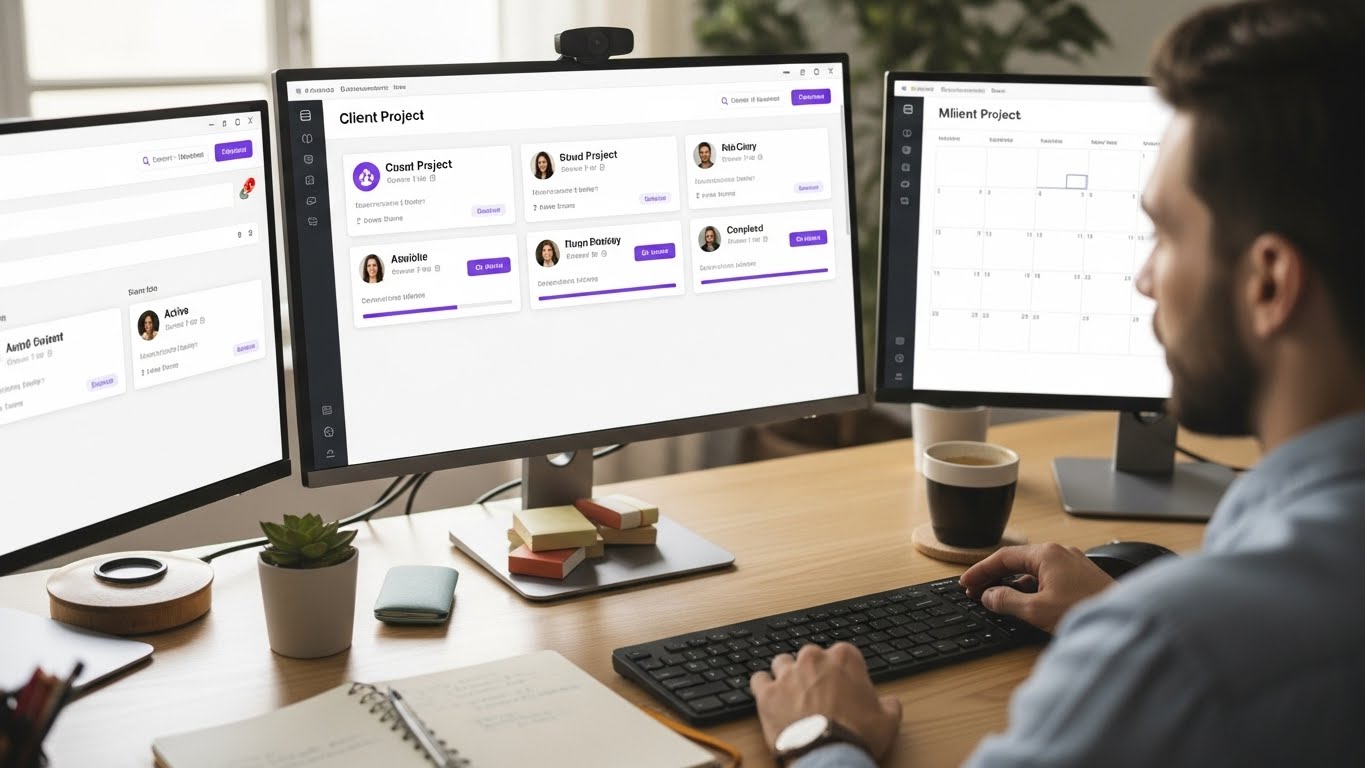
Client Separation: Clear project/workspace separation by client
Client Portal: Let clients check status themselves instead of asking you
Unified Communication: Comments and discussions in context, not scattered across channels
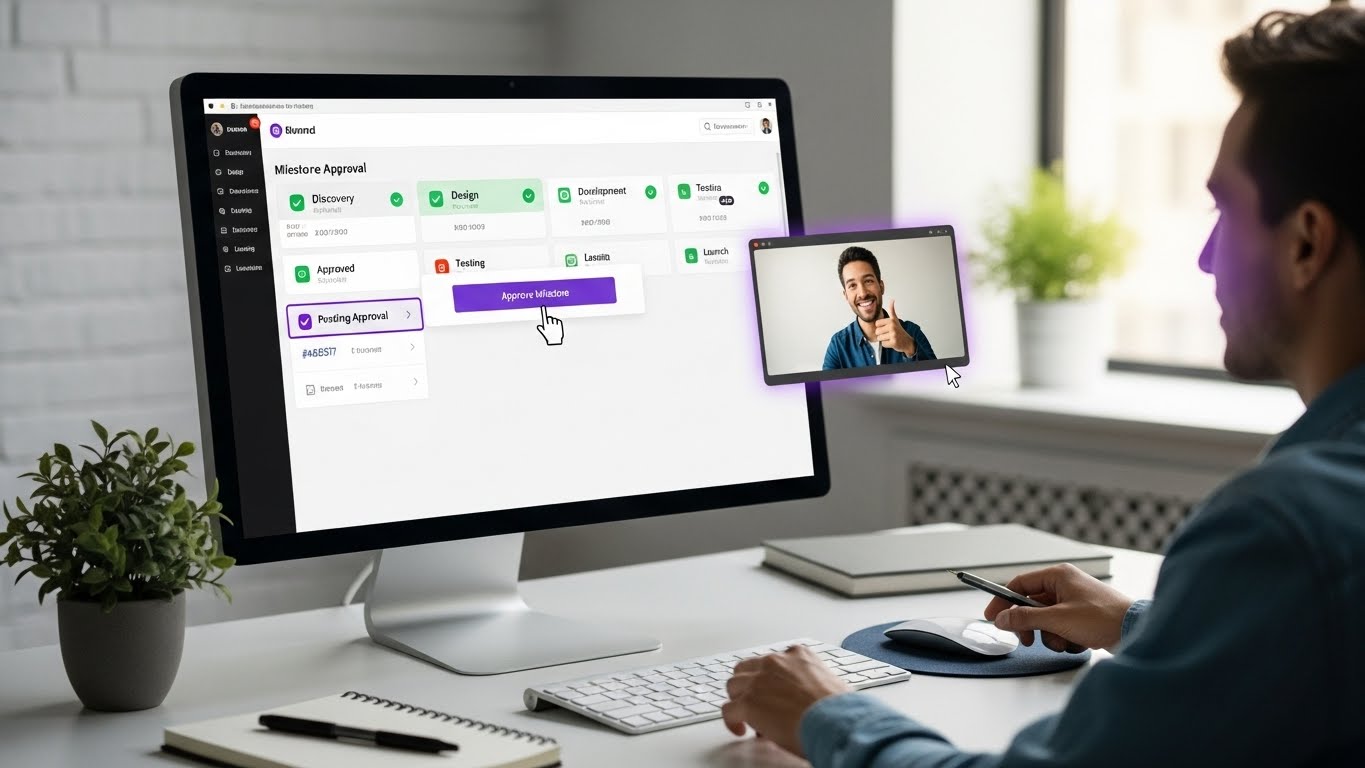
Milestone Tracking: Deliverable-based progress, not just task completion
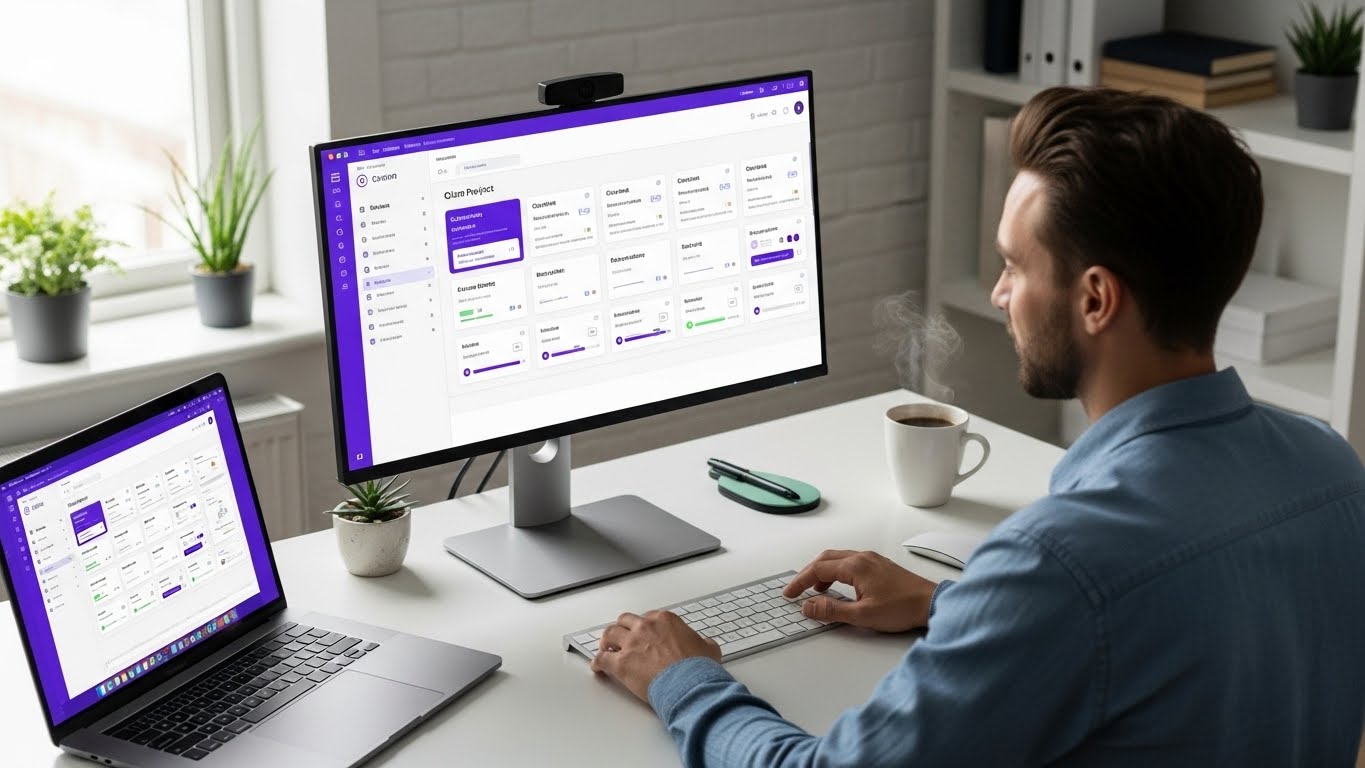
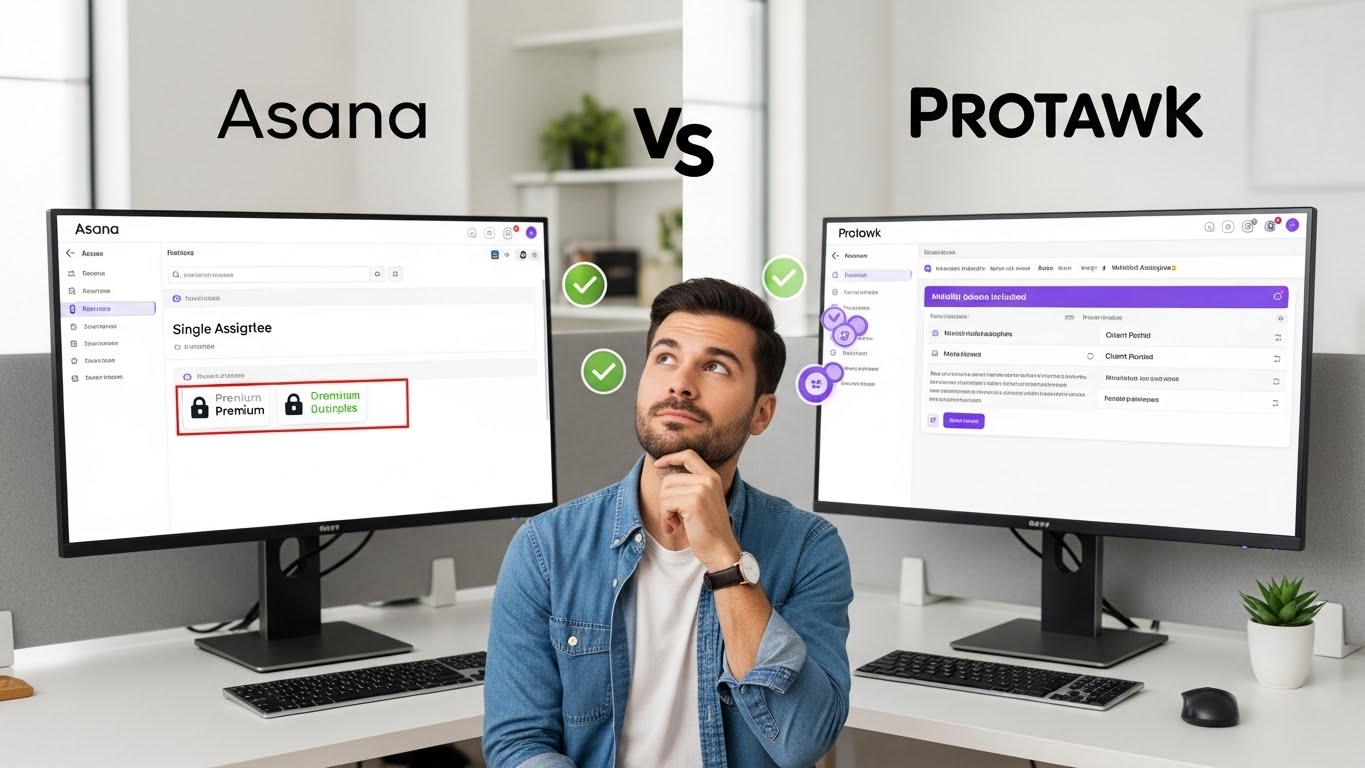
Protawk offers all of these-3 views (Kanban, Gantt, Calendar), native client portals, milestone workflows, and integrated communication. It's designed for exactly this use case: freelancers and agencies managing multiple client relationships.
Take Control of Your Client Work
Managing multiple clients doesn't have to mean constant chaos. With the right systems, tools, and boundaries, you can serve clients well while maintaining your sanity.
Start with one improvement this week:
- Set up proper project separation
- Implement communication batching
- Create a dashboard view of all deadlines
- Define your capacity limits
Small changes compound. Within a month, you'll wonder how you managed without systems.
Protawk gives you the views, client portals, and organization tools multi-client freelancers need. Set up your client projects today.
Because managing multiple clients should feel organized, not overwhelming.