
Monday.com is everywhere. The colorful boards, the TV commercials, the enterprise sales push. It's become the default recommendation when teams search for project management software. But popularity doesn't mean fit.
If you've used Monday.com-or are considering it-you've probably noticed the gap between marketing promises and daily reality. The pricing that seemed reasonable multiplies with team growth. The customization that seemed powerful creates maintenance overhead. The features that seemed comprehensive leave specific needs unmet.
This guide examines where Monday.com struggles, what alternatives exist, and how to choose the right tool for your team's actual workflows.
The Monday.com Promise vs. Reality
What Monday.com Gets Right
Fair assessment requires acknowledging strengths:
Visual Appeal: Monday.com boards are colorful and engaging. Status updates pop with colors that make project tracking visually satisfying.
Customization: You can create almost any workflow. Custom columns, automations, and integrations let you build complex systems.
Marketing: Monday.com has brand recognition. New team members have often used it before, reducing onboarding friction.
Enterprise Features: For large organizations, Monday.com offers SSO, advanced permissions, and compliance features.
Where Monday.com Falls Short
Despite strengths, patterns emerge in user frustrations:
Pricing Escalation: Monday.com's per-user pricing hits hard as teams grow. What starts at $8/user/month quickly becomes $16/user/month for features you actually need. A 20-person team pays $3,840/year minimum-often more.
Feature Overwhelm: Monday.com can do almost anything, which means it takes time to set up correctly. Teams spend hours configuring boards that still don't quite fit their workflow.
No Native Client Portal: For agencies and client-service businesses, Monday.com lacks proper client collaboration. You either add clients to your workspace (exposing internal chaos) or maintain duplicate boards for external visibility.
Complexity Creep: What starts simple grows complex. Automations compound, columns multiply, and maintaining the system becomes its own project.
Per-User Limits on Essential Features: Features like timeline view, calendar view, and Gantt charts require paid plans. Basic views are paywalled.
Who Should Leave Monday.com
Agencies and Freelancers
Monday.com wasn't designed for client-service businesses. The absence of native client portals creates workarounds:
The Guest User Approach: Add clients as guests. They see your workspace, your other boards (unless you configure permissions precisely), and your internal discussions. Unprofessional and risky.
The Duplicate Board Approach: Create client-facing boards separate from internal ones. Now you're maintaining two versions of every project, manually syncing updates. Unsustainable.
The Keep-Clients-Out Approach: Don't give clients access. Send update emails manually. You've recreated the problem project management tools should solve.
If client collaboration is central to your work, Monday.com creates friction rather than reducing it.
Small Teams (Under 15 People)
Monday.com's value proposition assumes scale. Features like advanced automations, complex permissions, and enterprise integrations make sense at 50+ users. At 5-15 users, you're paying for complexity you don't need.
Small teams benefit from simpler tools that don't require configuration wizards and workflow architects. You want to start working, not spend days setting up the perfect board structure.
Budget-Conscious Organizations
Monday.com's pricing compounds:
- Basic: $8/user/month (too limited for real use)
- Standard: $10/user/month (missing critical features)
- Pro: $16/user/month (what most teams need)
- Enterprise: Custom pricing (even more)
A 10-person team on Pro pays $1,920/year. A 25-person team pays $4,800/year. And you're locked into their pricing increases-which happen regularly.
Organizations watching budgets can find equal or better functionality at lower costs.
Teams Wanting Simplicity
Some teams don't need everything Monday.com offers. They need:
- Tasks and due dates
- Basic project organization
- Simple collaboration
- Maybe a timeline view
Monday.com's power becomes overwhelming when you just want straightforward project tracking.
Monday.com Alternative Options
Protawk
Best for: Agencies, freelancers, small-to-medium teams
Standout Features:
- Native client portal (not bolted on)
- 3 project views (Kanban, Gantt, Calendar)
- Milestone-based approval workflows
- Clean, modern interface
- Competitive pricing without per-user escalation
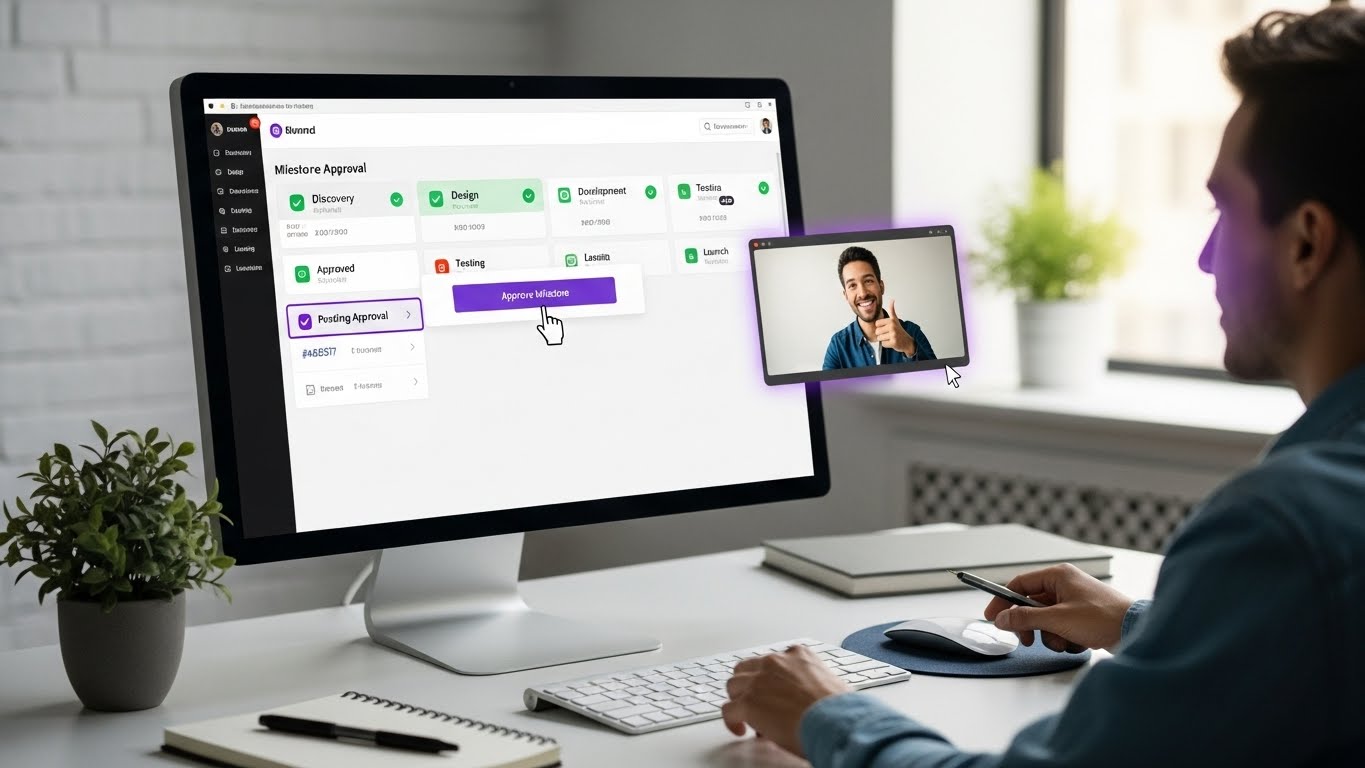
Where It Shines: Protawk was built for client-service businesses. The client portal isn't an afterthought-it's core functionality. Clients see professional project dashboards, approve milestones, and provide feedback without accessing your internal workspace.
Limitations:
- Newer platform with smaller ecosystem
- Fewer integrations than Monday.com
- No sprint/scrum features (yet)
Pricing: More affordable than Monday.com, especially at scale. Check current pricing for specifics.
Asana
Best for: Established teams wanting proven reliability
Standout Features:
- Multiple views (List, Board, Timeline, Calendar)
- Strong task management
- Extensive integration library
- Portfolio management for multiple projects
Where It Shines: Asana is mature and reliable. It handles complex projects well and has a large user community.
Limitations:
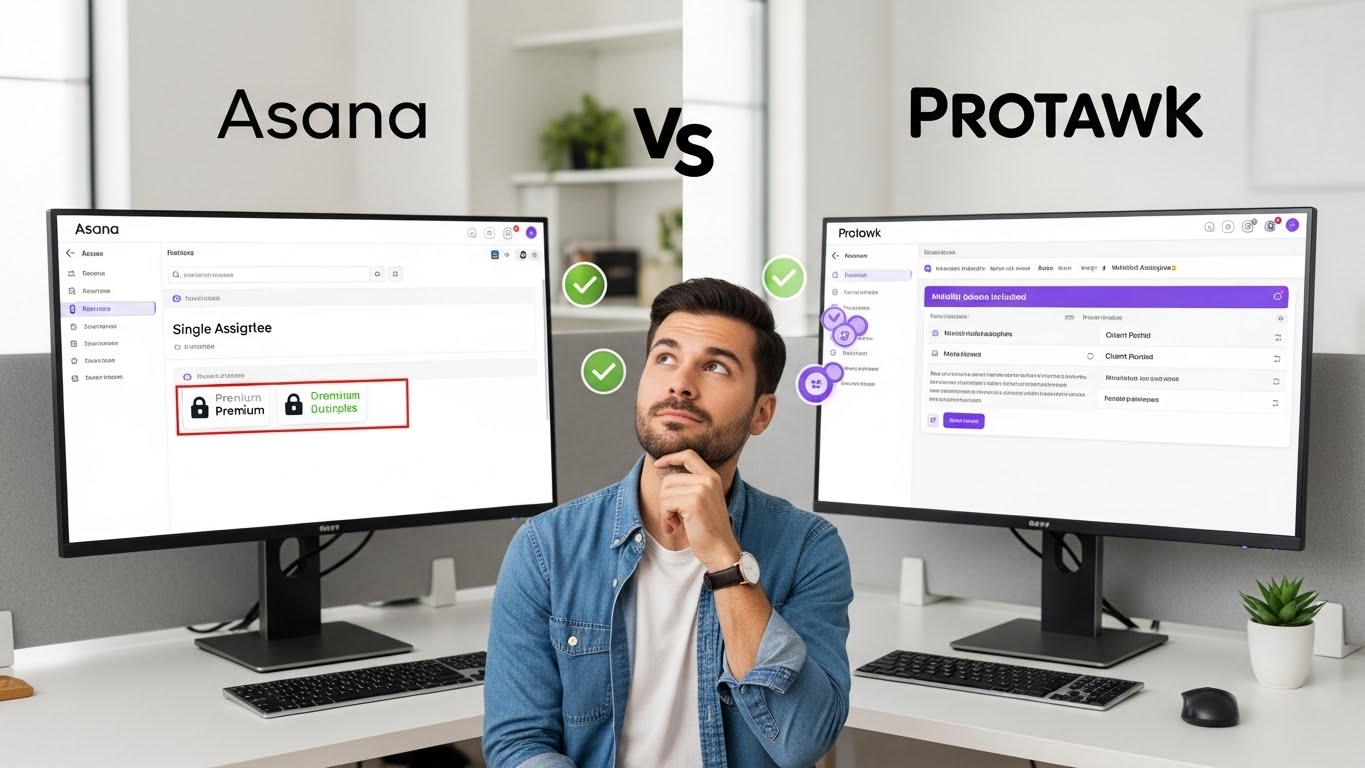
- Single assignee per task (can't assign to multiple people)
- No native client portal
- Timeline requires Premium tier ($10.99/user/month)
- Can feel rigid for creative workflows
ClickUp
Best for: Teams wanting maximum features regardless of complexity
Standout Features:
- Everything in one platform (docs, goals, time tracking, whiteboards)
- Highly customizable
- Strong free tier
- Active development
Where It Shines: If you want ONE tool for everything, ClickUp tries to be that. Feature depth is impressive.
Limitations:
- Steep learning curve
- Can feel overwhelming
- Performance issues with large workspaces
- Client portal requires Enterprise tier
Basecamp
Best for: Teams wanting radical simplicity
Standout Features:
- Flat pricing ($99/month unlimited users)
- Simple, opinionated design
- Client access included
- Message boards and real-time chat
Where It Shines: Basecamp is refreshingly simple. No complex configuration. No feature overload. Just straightforward project organization.
Limitations:
- No Gantt charts or timeline views
- Limited customization
- Basic task management
- Feels dated compared to modern tools
Notion
Best for: Teams wanting flexibility for documents + projects
Standout Features:
- Combines wiki/docs with project management
- Highly flexible databases
- Clean interface
- Good free tier
Where It Shines: If your work involves lots of documentation alongside projects, Notion integrates both. The database system is powerful for custom workflows.
Limitations:
- Not a dedicated PM tool (project features are add-ons)
- No native client portal
- Performance degrades with scale
- Requires significant setup for project management use
Feature Comparison: What Actually Matters
Multiple Project Views
Different projects need different visualizations:
| View Type | Monday.com | Protawk | Asana | ClickUp |
|---|---|---|---|---|
| Kanban Board | Yes | Yes | Yes | Yes |
| Gantt/Timeline | Pro+ | Yes | Premium+ | Yes |
| Calendar | Pro+ | Yes | Premium+ | Yes |
| Table | Yes | No | Yes | Yes |
| Whiteboard | Extra cost | No | Extra cost | Yes |
Why It Matters: Paying for views you need (Gantt, Calendar) as premium features when they should be standard pushes total cost higher.
Client Collaboration
For agencies and service businesses:
| Feature | Monday.com | Protawk | Asana | ClickUp |
|---|---|---|---|---|
| Native Client Portal | No | Yes | No | Enterprise |
| Guest Access | Limited | Yes | Limited | Yes |
| Selective Visibility | Complex | Simple | Limited | Complex |
| Client Approval Workflows | No | Yes | No | No |
Why It Matters: Client-facing businesses need proper client collaboration. Workarounds waste time and create friction.
Pricing at Scale
Comparing 25-user team costs:
| Plan Level | Monday.com | Protawk | Asana | ClickUp |
|---|---|---|---|---|
| Basic/Free | Limited | Full access | Limited | Full |
| Standard | $3,000/yr | Competitive | $3,300/yr | $1,800/yr |
| Pro/Premium | $4,800/yr | Competitive | $6,000/yr | $3,600/yr |
Why It Matters: Per-user pricing multiplies. Choosing a tool with better pricing at your scale saves thousands annually.
Setup Complexity
Time from signup to productive use:
| Tool | Setup Time | Configuration Needed |
|---|---|---|
| Monday.com | Hours to days | Significant |
| Protawk | Minutes to hours | Minimal |
| Asana | Hours | Moderate |
| ClickUp | Days | Significant |
| Basecamp | Minutes | Minimal |
Why It Matters: Complex setup delays value. Simple tools get teams working faster.
Making the Switch from Monday.com
When to Switch
Switch Now If:
- You're paying for features you don't use
- Client collaboration is painful
- Your team complains about complexity
- Pricing is becoming unsustainable
- Setup/maintenance takes too much time
Wait If:
- Your team is deeply embedded and productive
- You've built complex automations that work
- You're mid-project with critical deadlines
- Switching costs outweigh benefits
Migration Planning
Step 1: Export Your Data Monday.com allows CSV exports of boards. Export before starting migration:
- Board content
- User assignments (may not transfer)
- Custom field data
- File attachments (handle separately)
Step 2: Evaluate New Tools Don't migrate blindly. Try alternatives with a real project:
- Set up equivalent project structure
- Test the workflow you use most
- Evaluate client collaboration (if needed)
- Compare ease of use
Step 3: Parallel Running Run both tools simultaneously during transition:
- New work starts in new tool
- Active projects stay in Monday.com
- Team learns new system without pressure
- Gradually shift as comfort increases
Step 4: Training and Documentation Even simple tools benefit from documentation:
- How to create projects
- Where to check daily tasks
- How clients access their view
- Who to ask with questions
Step 5: Full Transition Once team is comfortable:
- Move remaining active projects
- Archive Monday.com workspace
- Cancel subscription
- Keep exports for historical reference
Common Migration Concerns
"We have years of data in Monday.com"
You don't need to migrate historical data. Archive important information, export what matters, and start fresh. Clean slates often work better than perfect migrations.
"Our team knows Monday.com"
If your new tool is simpler, the learning curve is negative-it's actually easier. Teams adapt quickly when the new system makes their work easier.
"What about our automations?"
Most automations were created to work around tool limitations. Evaluate which automations are genuinely valuable before recreating them. Often, simpler tools need fewer automations.
"Switching is risky"
Staying with a suboptimal tool is also risky-it costs money, time, and team frustration daily. Parallel running reduces transition risk.
Why Protawk Makes Sense as a Monday.com Alternative
Built for Client-Service Businesses
While Monday.com serves everyone generically, Protawk was designed with agencies and freelancers in mind. Client portals aren't afterthoughts-they're core features.
What This Means:
- Clients see professional dashboards, not your internal mess
- Milestone approvals are built-in, not workarounds
- Client feedback happens in context, not in email threads
- No duplicate boards to maintain
All Views Included
Protawk includes 3 project views without paywalls:
- Kanban - Visual workflow management
- Gantt - Timeline and dependency planning
- Calendar - Deadline visualization
No upgrading to see your project as a timeline. No premium tiers for calendar views.
Simplicity Without Sacrifice
Protawk aims for the sweet spot: powerful enough to handle real projects, simple enough to use without training. You don't need a workflow architect to set up a project.
Quick Setup:
- Create project
- Add tasks and milestones
- Invite team and clients
- Start working
Complex configuration is available if you need it. But it's not required to get started.
Pricing That Makes Sense
Protawk's pricing doesn't punish growth. As your team expands, you're not hit with exponential cost increases for basic functionality.
Check current pricing to compare with Monday.com at your team size.
Making the Decision
Stay with Monday.com If:
- You have complex automations that work well
- Enterprise features (SSO, compliance) are essential
- Your team is productive and happy
- Switching costs exceed benefits
- You don't need client collaboration features
Switch to Protawk If:
- Client collaboration is important to your work
- You're paying for features you don't use
- Pricing is becoming a concern as you grow
- You want simpler project management
- You need all views without premium tiers
- Milestone-based workflows match your process
General Alternative Guidance
- For maximum features: ClickUp
- For established reliability: Asana
- For radical simplicity: Basecamp
- For docs + projects: Notion
- For client-service businesses: Protawk
Start Your Evaluation Today
Don't switch tools blindly. Try Protawk with a real project. Set up client collaboration. Use different views. See if it fits.
The right tool is the one that makes your team more productive with less friction. If Monday.com is that tool, great. If not, alternatives exist.
Experience project management built for how you actually work. Native client portals, all views included, simpler interface, better pricing.
Because your project management tool should work for you, not the other way around.