
Your project management tool costs $10 per user per month. Seems reasonable. Then your team grows from 5 to 15 people. Suddenly you're paying $1,800 per year. Add a few clients or contractors, and costs spiral further.
Per-user pricing is the dirty secret of SaaS project management software. What looks affordable at first becomes a budget line item that makes finance teams wince. And the worst part? You're paying the same rate for users who log in daily and users who check in once a month.
This guide exposes the problems with per-user pricing models and shows you how to evaluate project management software without falling into the cost trap.
How Per-User Pricing Works (Against You)
The Math That Hurts
Let's run the numbers on a typical scenario:
Year 1: Small team, big dreams
- 5 team members x $10/user/month = $600/year
- Seems reasonable
Year 2: Growing team
- 12 team members x $10/user/month = $1,440/year
- Getting noticeable
Year 3: Established team + contractors
- 20 team members x $10/user/month = $2,400/year
- 5 contractors x $10/user/month = $600/year
- Total: $3,000/year
- Now it's a budget discussion
Year 4: Agency with clients
- 25 team members x $10/user/month = $3,000/year
- 10 client guest accounts x $10/user/month = $1,200/year
- Total: $4,200/year
- Finance is asking questions
The Premium Tier Trap
But wait-that $10/user example is often the basic tier. The features you actually need (Gantt charts, timeline views, advanced reporting, guest access) require premium tiers:
Basic tier: $8-10/user/month
- Limited features
- Missing key views
- Basic reporting
Standard tier: $12-15/user/month
- More views
- Better features
- Still missing some needs
Premium tier: $16-25/user/month
- Full feature set
- What most teams actually need
That 25-person team on premium tier? Now you're looking at $4,800-$7,500/year for a project management tool.
Hidden User Costs
Per-user pricing creates hidden costs:
Client Access: Want clients to see their projects? That's another user. Or pay for expensive guest access add-ons.
Contractors: Temporary team members still count as users. Three-month contract? Pay for three months of seat license.
Inactive Users: That team member who checks in once monthly costs the same as your most active user.
Future Growth: Every hire means another software cost. Growth gets taxed.
Why Companies Use Per-User Pricing
Understanding vendor incentives explains the model:
Predictable Revenue
Per-user pricing creates predictable, scaling revenue for software companies. Your growth directly funds their growth. It's great for them; less great for you.
Alignment (In Theory)
The argument: "You only pay for what you use." In practice, usage varies wildly between users, but pricing doesn't.
Enterprise Focus
Per-user pricing works well for enterprises with dedicated software budgets and procurement processes. It works poorly for small teams watching every dollar.
Lock-In Effect
Once your entire team is trained on a tool, switching costs are high. Per-user pricing can increase knowing you're unlikely to leave.
The Real Impact on Small Teams
Budget Constraints
Small teams and freelancers operate on tight margins. A $3,000+ annual software expense directly impacts profitability-especially when that cost grows with every team addition.
Growth Penalty
Per-user pricing effectively taxes growth. Every new team member, contractor, or client adds cost. This creates perverse incentives:
- Limiting who gets access
- Sharing logins (violating ToS)
- Avoiding tools you need
Feature Gating
Most PM tools gate essential features behind higher tiers:
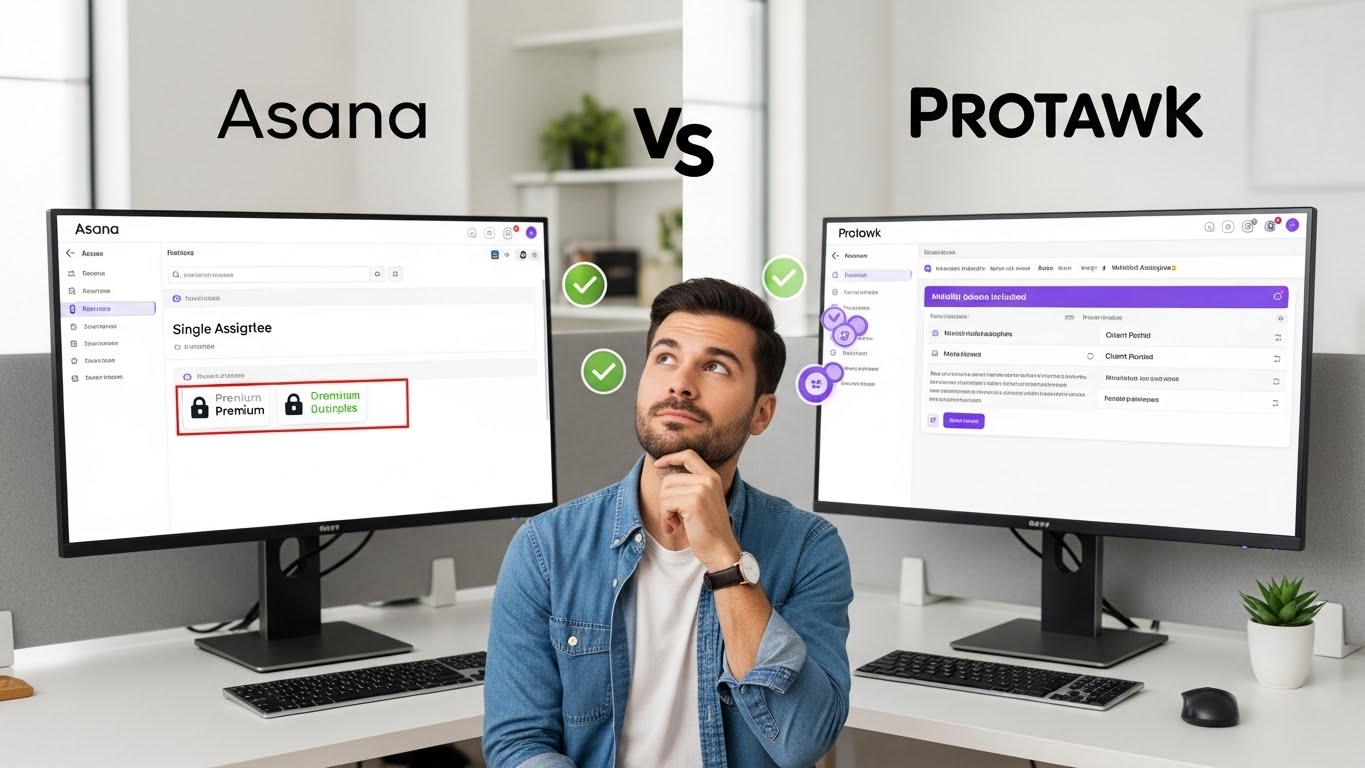
- Gantt charts: Premium
- Timeline views: Premium
- Guest access: Premium
- Advanced permissions: Premium
So you're not just paying per user-you're paying premium per user to get basic functionality.
Comparison Shopping Paralysis
Evaluating PM tools becomes complex math:
- How many users today?
- How many in 12 months?
- Which tier has needed features?
- What about guest/client access?
- How do prices compare across scenarios?
This complexity benefits vendors, not buyers.
What to Look for Instead
Alternative Pricing Models
Flat Rate Pricing: One price for the whole team. Basecamp pioneered this ($99/month unlimited). You know your cost regardless of team size.
Tiered by Features: Pay for features needed, not headcount. Small teams with simple needs pay less; complex needs pay more-independent of user count.
Workspace-Based Pricing: Pay per workspace or project count, not per user. Scales with work volume rather than headcount.
Freemium with Generous Free Tier: Substantial free functionality with paid premium features. Good for trying before committing.
What Makes Pricing "Fair"
Predictable: You should know what you'll pay as you grow.
Proportional to Value: More value = more cost makes sense. More users does not equal more value.
No Essential Feature Gating: Basic views and collaboration shouldn't require premium tiers.
Includes Clients/Guests: External collaboration shouldn't multiply costs.
Room to Grow: Adding team members shouldn't trigger budget reviews.
Feature Comparison Across Price Points
Not all per-user pricing is equally painful. Here's what to compare:
Views and Visualization
| Feature | Typical Availability | Why It Matters |
|---|---|---|
| Kanban | Usually free tier | Basic workflow |
| Timeline/Gantt | Often Premium only | Project planning essential |
| Calendar | Mixed | Deadline visibility |
| Table | Usually included | Data management |
| Whiteboard | Often add-on | Brainstorming |
If Gantt charts require Premium tier at $16/user, that's $192/user/year just for timeline planning.
Collaboration Features
| Feature | Typical Availability | Cost Impact |
|---|---|---|
| Guest access | Often paid add-on | Client seats expensive |
| Client portal | Rare/Enterprise | Usually requires top tier |
| Comments/Discussion | Usually included | Basic collaboration |
| File sharing | Usually included | Often with storage limits |
Reporting and Analytics
| Feature | Typical Availability | Notes |
|---|---|---|
| Basic reports | Usually included | Limited usefulness |
| Custom dashboards | Premium tiers | Real insights |
| Export capabilities | Mixed | Your data, paywalled |
| Time tracking | Often add-on | Separate cost |
Calculating Total Cost of Ownership
When evaluating PM tools, calculate true cost:
Direct Costs
Base subscription:
- Per-user cost x user count x 12 months
- Include all user types (team, contractors, clients)
Required tier:
- Which tier has features you need?
- Calculate at that tier, not entry level
Add-ons:
- Guest access fees
- Storage upgrades
- Integration costs
- Premium support
Indirect Costs
Feature workarounds:
- Paywalled features you work around cost time
- Time has cost
Training/Onboarding:
- Complex tools require more training
- New hire onboarding time
Administration:
- User management overhead
- License tracking
- Compliance management
Growth Projection
12-month projection:
- Expected team growth
- Expected client/contractor additions
- Tier upgrades as needs grow
Comparison formula: Total Cost = (Users x Price x 12) + Add-ons + Projected Growth Cost
Making the Business Case
For Flat-Rate Tools
Arguments:
- Predictable budget
- No growth penalty
- Full team access without calculation
- Client/guest inclusion
- Lower total cost at scale
When It Makes Sense:
- Growing teams
- Client-facing work
- Contractor usage
- Budget-conscious organizations
For Per-User Tools
Arguments:
- Pay for actual users
- Scale down if team shrinks
- Enterprise features for large orgs
When It Makes Sense:
- Very small teams (< 5)
- Enterprise with dedicated budgets
- Minimal external collaboration
Questions to Ask Vendors
Before committing to any PM tool:
Pricing Questions
- "What's the total cost for [X] users on the tier with [features I need]?"
- "How is guest/client access priced?"
- "What happens to pricing if we grow to [Y] users?"
- "Are there annual vs. monthly pricing differences?"
- "What features require higher tiers?"
Feature Questions
- "Which views are included at each tier?"
- "Is client portal functionality included or add-on?"
- "Are there user type distinctions (full user vs. guest)?"
- "What storage/usage limits exist?"
Contract Questions
- "Can we add users mid-cycle?"
- "What's the cancellation policy?"
- "Are there minimum commitments?"
- "How often do prices increase?"
Alternatives to Expensive Per-User Tools
Budget-Friendly Options
Several PM tools offer better pricing models:
Basecamp: $99/month flat rate, unlimited users. Simple but effective.
Notion: Generous free tier, reasonable paid tiers. Good for docs + projects.
ClickUp: Competitive free tier with substantial features. Per-user but lower cost.
Protawk: Designed with fair pricing in mind. Client portals and multiple views included without enterprise pricing.
Evaluation Framework
Score potential tools on:
| Factor | Weight | Score (1-10) |
|---|---|---|
| Monthly cost at current size | 25% | |
| Monthly cost at +50% users | 20% | |
| Feature completeness | 25% | |
| Client/guest access cost | 15% | |
| Ease of use | 15% |
Calculate weighted score. Compare options objectively.
The Protawk Approach
We built Protawk with pricing fairness in mind:
3 Views Included: Kanban, Gantt, Calendar. No premium tier required for basic views.
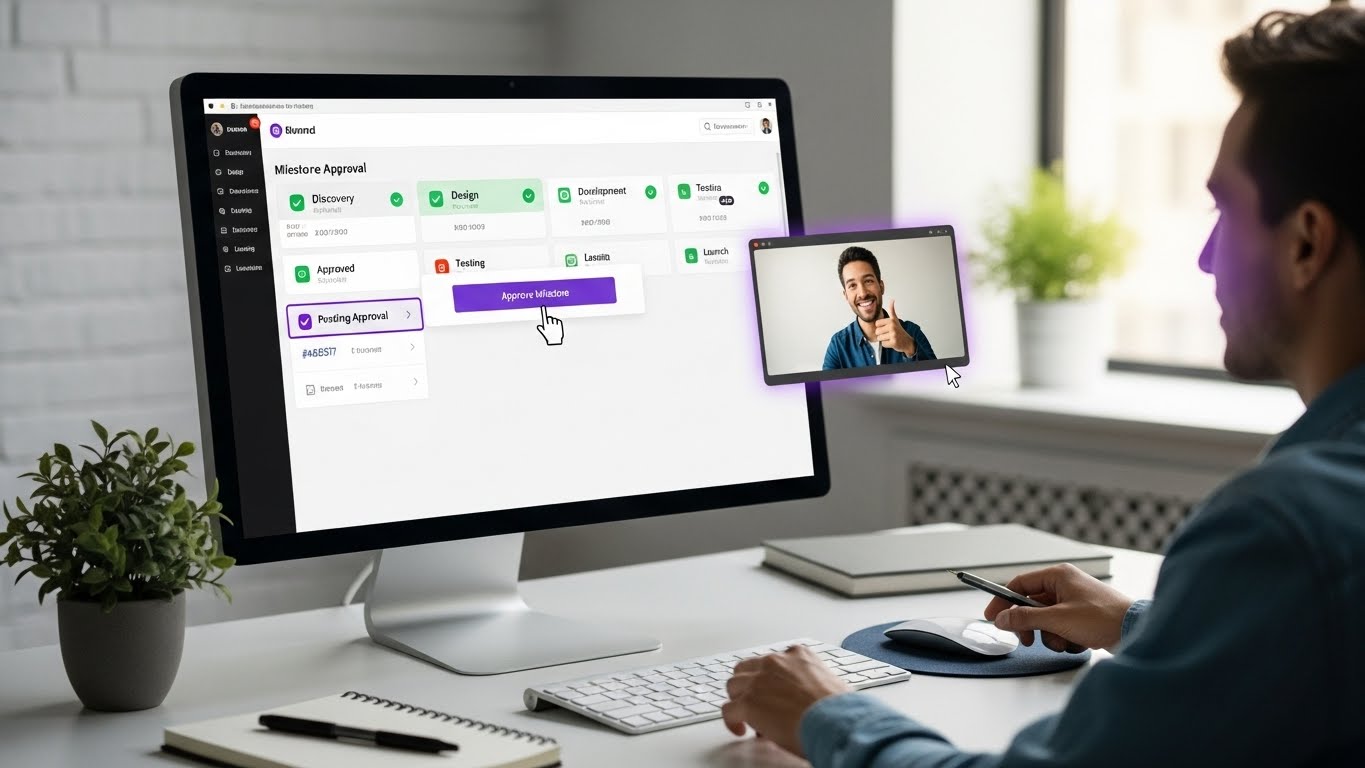
Native Client Portal: Client collaboration built-in, not add-on priced. Your clients deserve visibility without busting your budget.
Reasonable Pricing: Designed for freelancers, agencies, and small teams-not enterprise procurement.
No Surprise Costs: Clear pricing, no hidden fees, no feature hostage situations.
Take Action
Per-user pricing isn't inherently evil-but it's often exploitative for small teams. Before committing to any PM tool:
- Calculate real cost: Not entry price, real cost for your situation
- Project growth: What will this cost in 12 months?
- Include all users: Clients, contractors, occasional users
- Check feature tiers: Are essential features paywalled?
- Compare alternatives: There are options
Don't let software vendors tax your growth. Choose tools with pricing models that respect your budget and scale fairly.
Protawk offers powerful project management with fair pricing. No surprise costs. No essential feature hostage situations.
Because your PM tool shouldn't become your biggest software expense.