
Your team is spread across three time zones. You wake up to 47 unread Slack messages. Half are questions that could wait, a quarter are FYIs that don't need responses, and buried somewhere are two genuinely urgent items you almost missed.
This is the reality of remote team collaboration done wrong. Real-time communication tools promised connection but delivered chaos. The solution isn't more synchronous meetings-it's embracing async-first collaboration while maintaining genuine connection when it matters.
This guide shows you how to build remote team workflows that respect time zones, protect focus, and still move projects forward efficiently.
The Problem with Always-On Culture
Remote work promised flexibility. Instead, many teams got 24/7 availability anxiety.
The Synchronous Trap
When teams default to real-time communication:
- Every message expects immediate response
- Focus work gets fragmented by constant pings
- Different time zones mean someone's always catching up
- "Quick" meetings multiply until calendars overflow
- Important decisions get made in ephemeral chat
The Hidden Cost
Research shows context switching can consume 40% of productive time. For remote teams relying on real-time chat, this cost compounds:
- Notification anxiety keeps people checking messages
- Deep work becomes impossible
- Burnout accelerates
- Best thinking never happens
Why This Happens
Remote teams often overcorrect for distance. Unable to tap someone's shoulder, they tap their notifications instead. The result: worse collaboration than in-office teams, not better.
What Async-First Actually Means
Async-first doesn't mean never meeting or never chatting. It means:
Default to asynchronous followed by Synchronous when needed
The Async-First Hierarchy
- Documentation (most async): Written records anyone can access anytime
- Project comments: Discussion attached to specific work
- Team messages: Channel-based communication with expected delays
- Direct messages: More immediate but still async-acceptable
- Scheduled calls: Planned synchronous time
- Immediate calls (least async): Reserved for true emergencies
Most teams invert this hierarchy, starting with immediate communication for everything. Async-first teams flip it.
What Changes
Before (sync-first):
- Slack message: "Hey, can you look at this?"
- Wait for response
- Back-and-forth chat
- Maybe a quick call
- Information lives in chat history
After (async-first):
- Update task with context and question
- Mention relevant person
- They respond when in their work flow
- Decision documented in project record
Same outcome, less interruption, better documentation.
Building Async Communication Systems
1. Write-First Culture
The foundation of async work is writing. Written communication:
- Respects everyone's schedule
- Creates searchable records
- Forces clear thinking
- Scales across time zones
Training Your Team to Write Better:
- Lead with context (assume reader needs background)
- State what you need clearly
- Include deadline if time-sensitive
- Attach relevant files/links
- Suggest next steps
2. Communication Channel Structure
Not all communication is equal. Create clear channels:
Project-Specific Communication: Comments on tasks and deliverables. This is where work discussion happens. Anyone checking the project sees the full context.
Team Channels: Broader team communication. Announcements, general questions, social connection. Expected response time: hours to a day.
Direct Messages: Person-to-person communication. More urgent but still async-acceptable. Expected response time: same day.
Emergency Channel: True emergencies only. This channel triggers immediate notifications. Use sparingly or it loses meaning.
3. Response Time Expectations
Define and communicate expected response times:
| Channel Type | Expected Response |
|---|---|
| Project comments | Within 24 hours |
| Team channels | Within 24 hours |
| Direct messages | Within 8 working hours |
| Emergency channel | Within 30 minutes |
When everyone knows expectations, anxiety decreases. No one wonders if their message was seen or ignored.
4. Status Updates Without Meetings
Replace status meetings with written updates:
Daily Standups as Written Check-ins: Each team member posts:
- What they completed yesterday
- What they're working on today
- Any blockers
Time: 5 minutes to write, 5 minutes to read. Versus 30+ minutes in a meeting.
Weekly Status as Project Dashboard: Keep project status visible in your PM tool. Anyone can check progress without asking.
When to Go Synchronous
Async-first doesn't mean async-only. Some situations need real-time communication:
Good Reasons for Meetings
Relationship Building: New team members, client kickoffs, celebrating wins. Human connection matters.
Complex Discussions: When back-and-forth would take days async, a 30-minute call resolves it.
Sensitive Topics: Performance issues, conflicts, negotiations. These need nuance that text lacks.
Brainstorming: Creative collaboration benefits from real-time energy.
Urgent Decisions: When something genuinely can't wait.
Bad Reasons for Meetings
Status updates: Write them instead Simple decisions: Async poll or comment thread Sharing information: Document and share "Quick questions": Almost never actually quick Default habit: "We always meet Mondays"
Making Meetings Count
When you do meet:
- Require agendas shared 24 hours ahead
- Default to 25 minutes, not 60
- Document decisions in writing immediately after
- Record for absent team members
- Question whether this needed to be a meeting
Remote Project Management
Project Structure for Async Teams
Organize projects for asynchronous access:
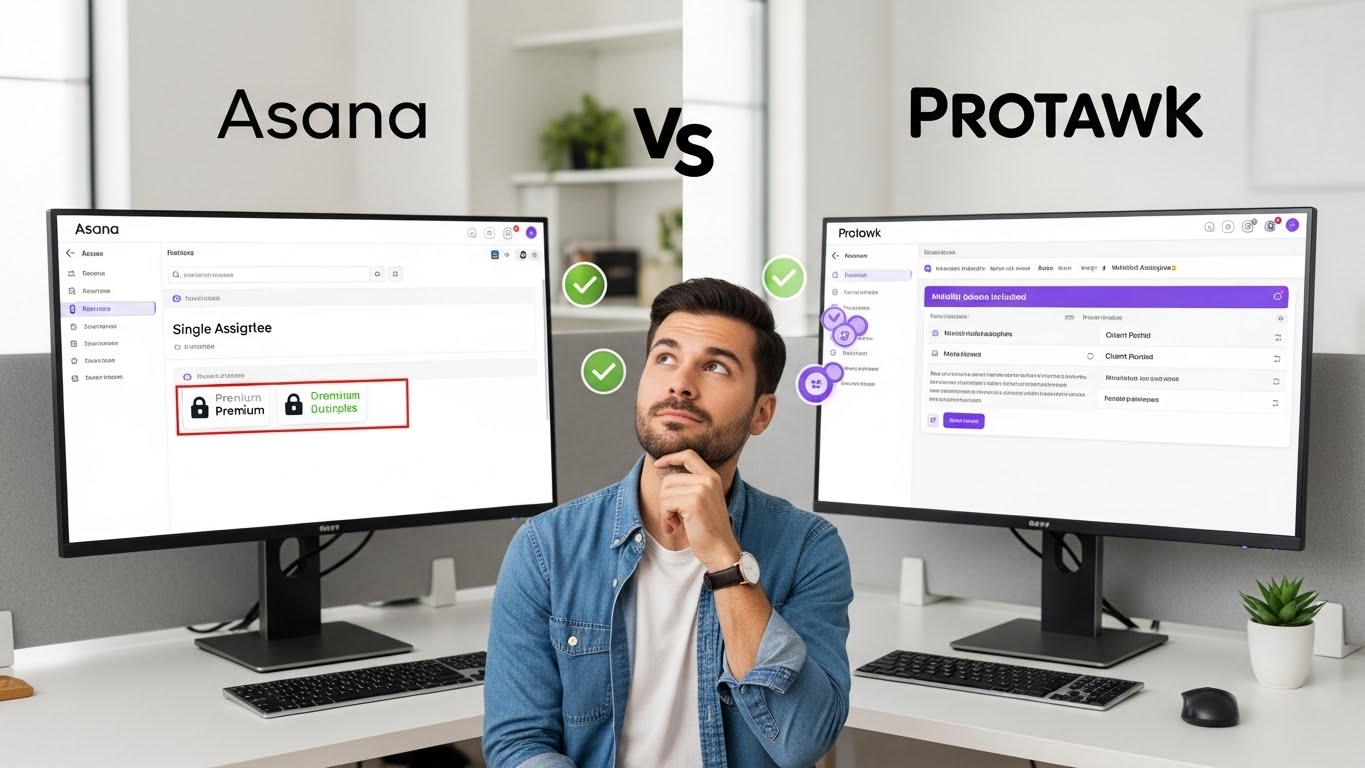
Clear Task Ownership: Every task has one owner. No ambiguity about who's responsible.
Context in Tasks: Task descriptions include enough context for someone to pick up work without asking questions.
Status Visibility: Task status is always current. No checking in to ask "where is this?"
Dependencies Documented: What's blocking what is visible to everyone.
Using Multiple Views
Different views serve different async needs:
Kanban Board: Quick visual of workflow status Calendar View: Deadline visibility across time zones Table View: Data analysis without meetings Gantt Chart: Timeline and dependencies at a glance
When information is visible, meetings become unnecessary.
Documentation Standards
Remote teams live and die by documentation:
Project Documentation:
- Project overview and goals
- Key decisions and rationale
- Process documentation
- Reference materials
Meeting Documentation:
- Agenda (before)
- Notes (during)
- Action items (after)
- Recording (for absent members)
Decision Documentation:
- What was decided
- Why it was decided
- Who made the decision
- Date
Handoff Protocols
Async teams need clean handoffs:
End of Day Handoffs: Before signing off, update task status and note anything the next person needs to know.
Cross-Timezone Handoffs: When passing work between time zones, include:
- Current state
- Next steps
- Open questions
- Blockers
Vacation/Absence Handoffs: Before time off:
- Document in-progress work
- Assign coverage
- Update team on status
Tools for Async-First Teams
What to Look For
Project Management:
- Task comments and discussion threads
- Multiple views (Kanban, Calendar, Gantt)
- Status tracking and updates
- File attachments and versioning
- Mobile access for async check-ins
Communication:
- Organized channels (not one massive chat)
- Threading for conversations
- Search functionality
- Notification controls
- Integration with PM tools
Documentation:
- Collaborative editing
- Version history
- Easy linking to projects/tasks
- Search across content
Tool Integration
Your PM tool should connect to communication:
- Task updates trigger relevant notifications
- Comments happen in project context
- Files attach to tasks, not lost in chat
- Status is visible without asking
Avoiding Tool Sprawl
More tools does not equal better collaboration. Consolidate where possible:
- One PM tool for projects
- One communication tool for chat
- One documentation tool for wiki/docs
Three tools, integrated, beats ten tools fragmented.
Time Zone Management
Overlap Windows
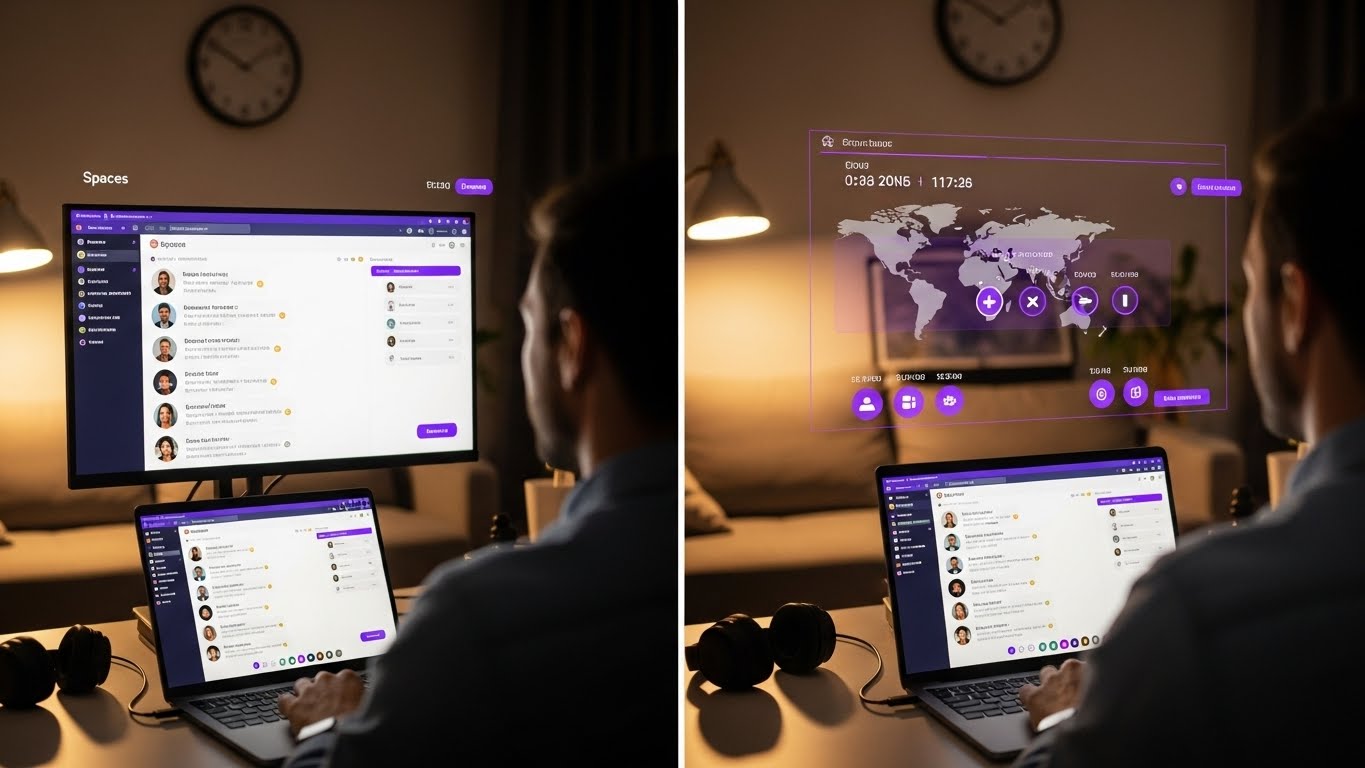
Find the hours when time zones overlap. These become your synchronous windows:
Example:
- Team A: San Francisco (PST)
- Team B: London (GMT)
- Team C: Mumbai (IST)
Overlap windows:
- SF + London: 8 AM - 12 PM PST (4 PM - 8 PM GMT)
- London + Mumbai: 8 AM - 12 PM GMT (1:30 PM - 5:30 PM IST)
- All three: Limited (morning SF, evening Mumbai)
Scheduling Practices
Rotate meeting times: Don't always burden the same time zone with early/late calls.
Record everything: Anyone missing live sessions can catch up.
Document decisions: Never make important decisions when some team members can't attend.
Async-first for decisions: Use written proposals with voting windows that span time zones.
Making It Fair
Time zone inequality builds resentment. Address it:
- Acknowledge the burden explicitly
- Rotate uncomfortable meeting times
- Ensure async paths to all decisions
- Don't require off-hours availability regularly
Building Team Connection
Async work risks isolation. Intentionally build connection:
Structured Social Time
Virtual coffee chats: Random pairings for non-work conversation Team social channels: Share life updates, interests, wins Virtual events: Games, celebrations, shared experiences
Visibility of People
Working hours visible: Know when teammates are online Personal updates acceptable: "Taking kids to school, back in 90 min" Video optional but encouraged: See faces sometimes
Recognition and Celebration
Public wins: Celebrate achievements in team channels Async kudos: Praise doesn't need to wait for meetings Milestone celebrations: Mark project completions together
Common Async Mistakes
Mistake 1: Async in Name Only
Writing messages but expecting immediate responses isn't async. True async requires accepting response delays.
Mistake 2: No Synchronous at All
Pure async becomes lonely and can slow urgent decisions. The goal is async-first, not async-only.
Mistake 3: Chat as Documentation
Chat is ephemeral. Important decisions disappear in scrollback. Document decisions in permanent locations.
Mistake 4: Insufficient Context
Async communication requires more context than synchronous. "Can you look at this?" doesn't work when you can't immediately clarify.
Mistake 5: No Response Expectations
Without clear expectations, some team members check constantly while others rarely respond. Define norms.
Implementing Async-First
Week 1: Audit Current State
- How many meetings per week?
- Average response time expectations?
- Where do decisions get documented?
- What's causing most interruptions?
Week 2: Set Communication Norms
- Define channels and their purposes
- Establish response time expectations
- Create emergency escalation path
- Document and share with team
Week 3: Reduce Meetings
- Audit recurring meetings
- Cancel or convert to async where possible
- Shorten remaining meetings
- Require agendas for all meetings
Week 4: Improve Documentation
- Create templates for common updates
- Document decisions in permanent locations
- Build project visibility in PM tool
- Train team on writing-first approach
Ongoing: Iterate
- Weekly: What async friction occurred?
- Monthly: What meetings can we eliminate?
- Quarterly: How's team connection feeling?
The Protawk Advantage for Remote Teams
Protawk was built with distributed teams in mind:
Project Comments in Context: Discussion happens on tasks, not scattered across chat. Full context preserved.
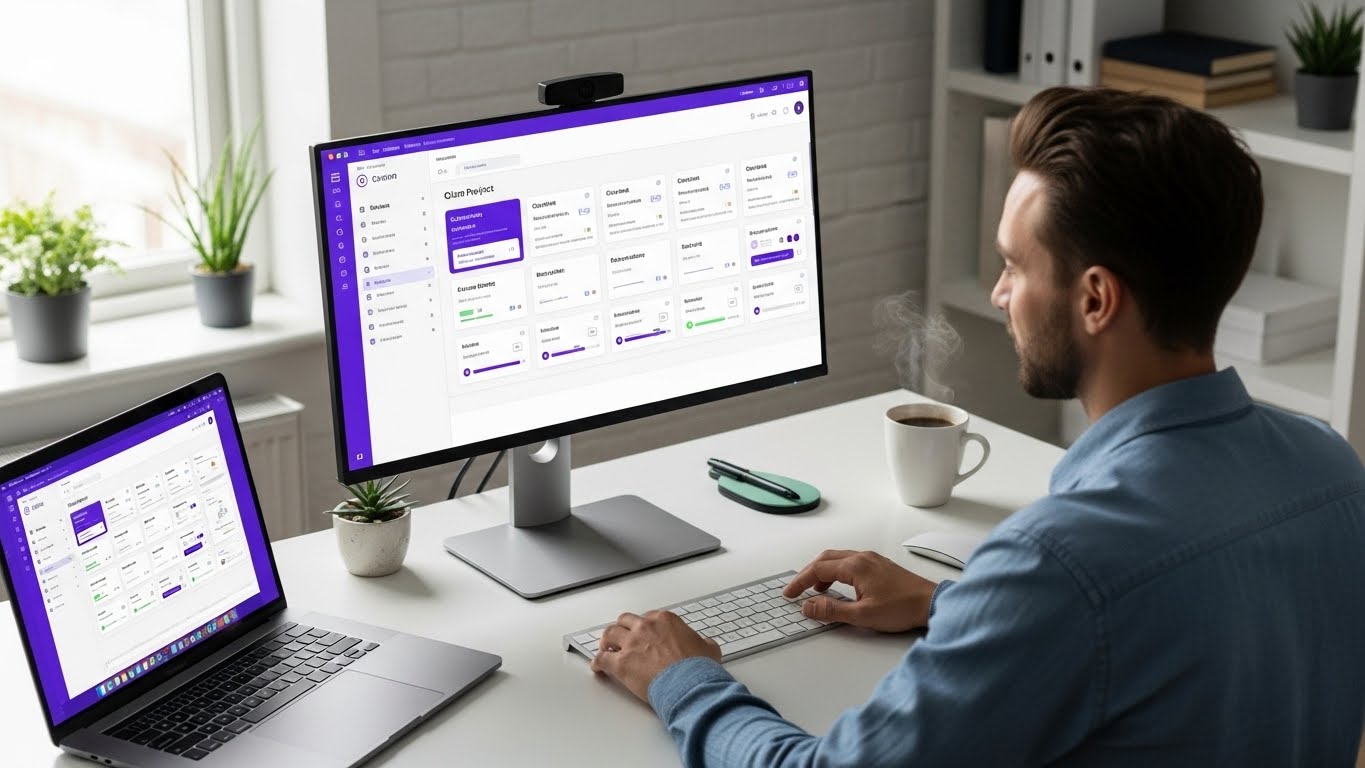
Multiple Views: Kanban, Gantt, Calendar, Table-see project status without asking. Perfect for async check-ins.
Real-Time + Async: Spaces provides team chat, but projects provide async collaboration. Best of both worlds.
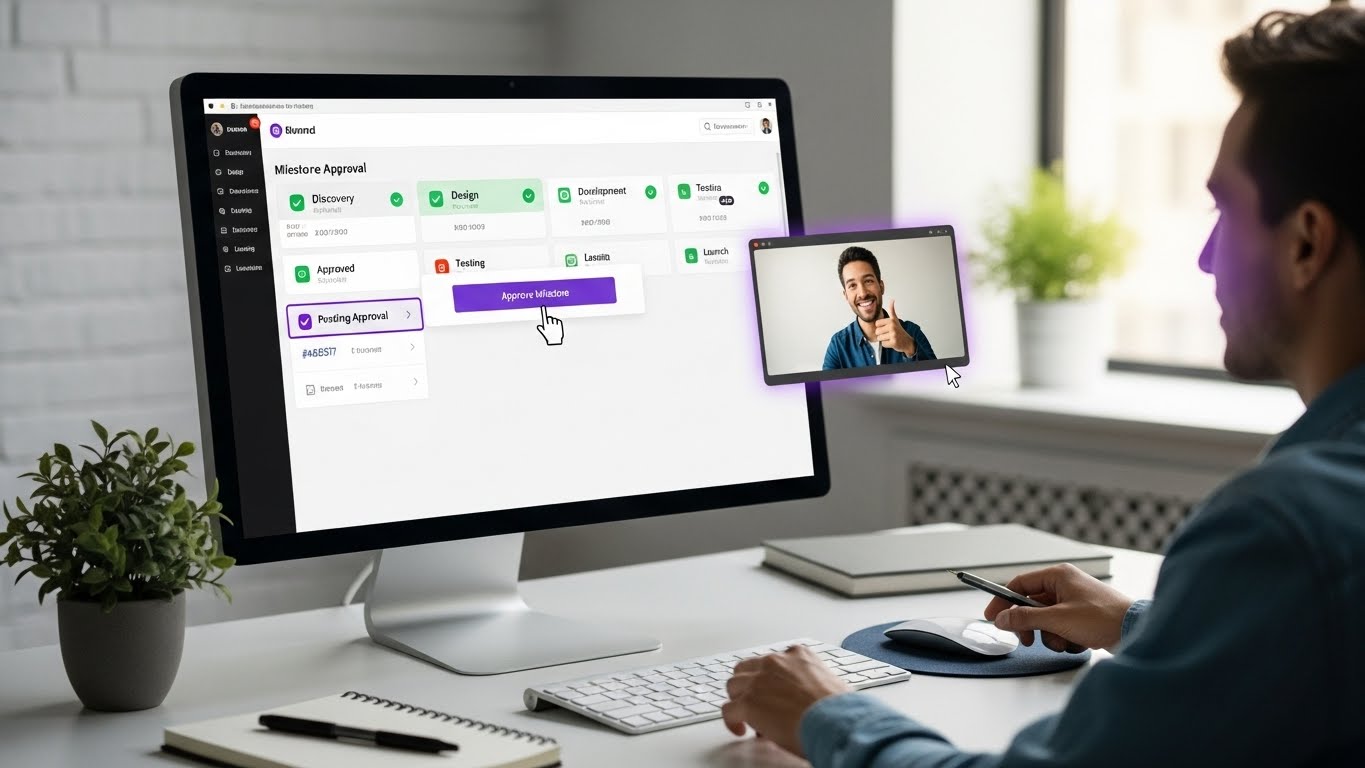
Client Portal: External stakeholders get visibility without joining your internal chaos.
Status Always Visible: No status meetings needed when dashboard shows everything.
Start Building Better Remote Workflows
Async-first collaboration isn't about less communication-it's about better communication. Written, thoughtful, documented, respectful of everyone's time and time zone.
The teams that master async work get:
- Protected focus time
- Inclusive global collaboration
- Decisions that don't disappear
- Less meeting fatigue
- Better work-life balance
Start with one change this week. Replace one meeting with an async update. Document one decision that would've stayed in chat. Set one response time expectation.
Protawk gives remote teams the project visibility and communication tools they need for async-first collaboration.
Because great remote work happens when you respect everyone's time-not just your own.