
Trello is brilliant for getting started. Its visual Kanban boards are intuitive, the free tier is generous, and teams can be productive within minutes. But there's a reason agencies eventually start looking for alternatives.
You hit the walls. One view (Kanban) can't handle every project type. No Gantt charts for timeline planning. No native client portal for external collaboration. Power-ups start adding costs. And suddenly the simple tool that worked for two people struggles with a growing agency.
If you're an agency that's outgrown Trello-or sensing you will soon-this guide covers why teams switch and what to look for in your next project management software.
Why Agencies Love Trello (At First)
Let's be fair: Trello earned its popularity. Understanding what works helps clarify what's missing.
Visual Simplicity
Trello's Kanban boards are beautiful. Cards move across columns with satisfying drag-and-drop. Status is instantly visible. There's no learning curve-anyone can understand "To Do → In Progress → Done" within seconds.
For visual thinkers, which many agency creatives are, this intuitive interface feels natural rather than imposed.
Fast Setup
Create a board. Add columns. Start adding cards. That's it. No configuration wizards, no mandatory training, no week-long implementations. Trello respects that agencies have client work to do, not software to configure.
Generous Free Tier
Trello's free plan is legitimately usable. Unlimited cards, unlimited members (with some restrictions), core functionality included. For small teams testing the waters, there's no financial barrier.
Flexibility
Trello doesn't force a methodology. Use it for Kanban, adapt it for Scrum-ish workflows, or create entirely custom processes. The blank canvas approach lets teams work their way.
When Agencies Outgrow Trello
Despite these strengths, patterns emerge as agencies scale. Here's when Trello starts struggling:
The Kanban-Only Limitation
Kanban is fantastic for workflows-but it's not the only view agencies need.
Timeline Planning: When mapping a 3-month project across multiple phases, dragging cards doesn't cut it. You need Gantt charts showing dependencies, duration, and resource allocation.
Deadline Management: Calendar views showing what's due when, across all projects, help prevent deadline collisions. Trello lacks native calendar visualization.
Data Views: Sometimes you need a spreadsheet-style table to sort, filter, and analyze project data. Trello's card interface makes bulk operations cumbersome.
Client Presentations: Showing clients project timelines via Kanban boards feels amateurish. Gantt views communicate professionalism.
Agencies using only Kanban boards are working with one hand tied behind their back.
No Client Portal
When clients need project visibility, Trello forces uncomfortable choices:
Option 1: Add clients to your workspace. Now they see everything-internal discussions, other clients' boards, your operational messiness. Unprofessional and risky.
Option 2: Create separate client-facing boards. Now you're maintaining two versions of every project, manually syncing updates between internal and external views. Unsustainable.
Option 3: Keep clients out entirely. They email asking for updates, you respond with status summaries, and you've recreated the problem project management tools should solve.
None of these options work for professional agencies. You need native client portals with selective visibility-something Trello doesn't offer.
Power-Up Cost Creep
Trello's free tier hooks you; Power-Ups get expensive.
Need calendar view? Power-Up. Need time tracking? Power-Up. Need custom fields? Power-Up. Need automation? Power-Up. Each adds $5-10/month, and soon your "free" tool costs more than comprehensive alternatives.
Worse, Power-Ups are third-party add-ons with varying quality, support, and reliability. You're building your workflow on a patchwork of integrations.
Reporting Gaps
Agency leadership needs visibility: Which projects are profitable? Which clients consume disproportionate time? Where are bottlenecks forming?
Trello's reporting is minimal. You see card counts and basic activity logs. Real analytics require external tools, manual exports, or expensive Power-Ups.
Scalability Challenges
What works for 5 people struggles with 20. As teams grow:
- Board proliferation makes information hard to find
- Cross-project visibility becomes impossible
- Permissions get complicated
- Performance degrades with large boards
Trello wasn't architected for agency-scale operations.
What Agencies Actually Need
Based on working with hundreds of agencies, here's what growing teams require:
Multiple Project Views
Different project phases need different visualizations:
Planning Phase: Gantt charts for mapping project phases, dependencies, and resource allocation.
Execution Phase: Kanban boards for daily task management and workflow tracking.
Deadline Phase: Calendar views for seeing what's due across all projects.
Tools offering single-view-only (like Trello's Kanban) force teams to work around limitations rather than working naturally.
Native Client Collaboration
Professional agencies need:
- Dedicated client portals separate from internal workspaces
- Selective visibility (clients see polished deliverables, not internal chaos)
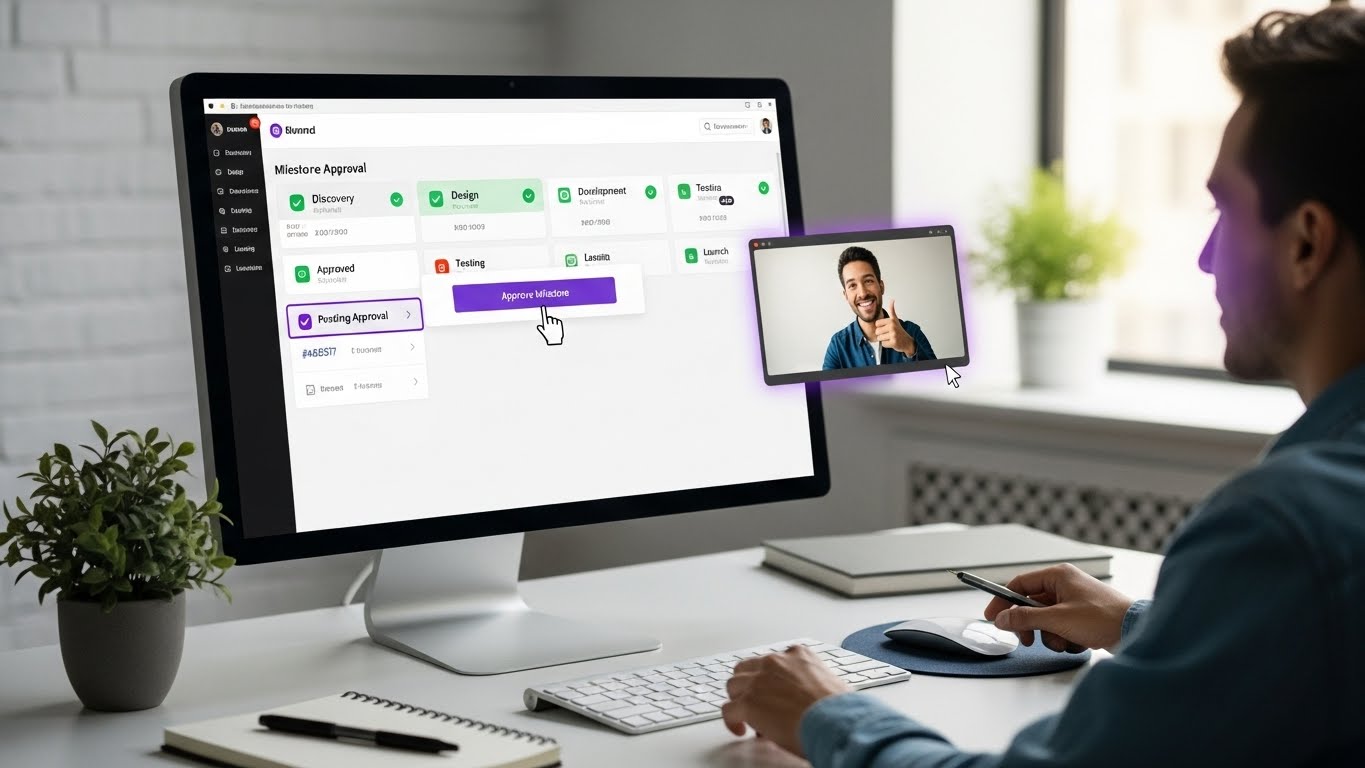
- Milestone-based approval workflows
- Documented sign-offs for protection
- Branded experience that reflects your agency
Bolt-on solutions add cost and complexity. Native portals work seamlessly.
Milestone and Deliverable Tracking
Agency projects aren't just task lists-they're collections of meaningful deliverables tied to client expectations and payments.
Proper milestone tracking includes:
- Defined project phases with clear deliverables
- Approval workflows at each milestone
- Payment tracking tied to approved deliverables
- Progress visualization for clients
Real-Time Collaboration
Remote and hybrid agencies need:
- Live updates without refresh
- Integrated team communication
- Comment threads in context
- Notification management
- Presence indicators
Asynchronous Trello activity feeds don't match modern collaboration needs.
Reporting and Analytics
Agency operations require:
- Project profitability insights
- Resource utilization tracking
- Deadline performance metrics
- Client activity visibility
- Trend analysis over time
Data-driven agencies make better decisions.
Trello Alternatives for Agencies
Several tools address Trello's limitations. Here's an honest assessment:
Asana
Strengths:
- Multiple views (List, Board, Timeline, Calendar)
- Robust task management
- Strong integrations
- Enterprise-grade features
Weaknesses:
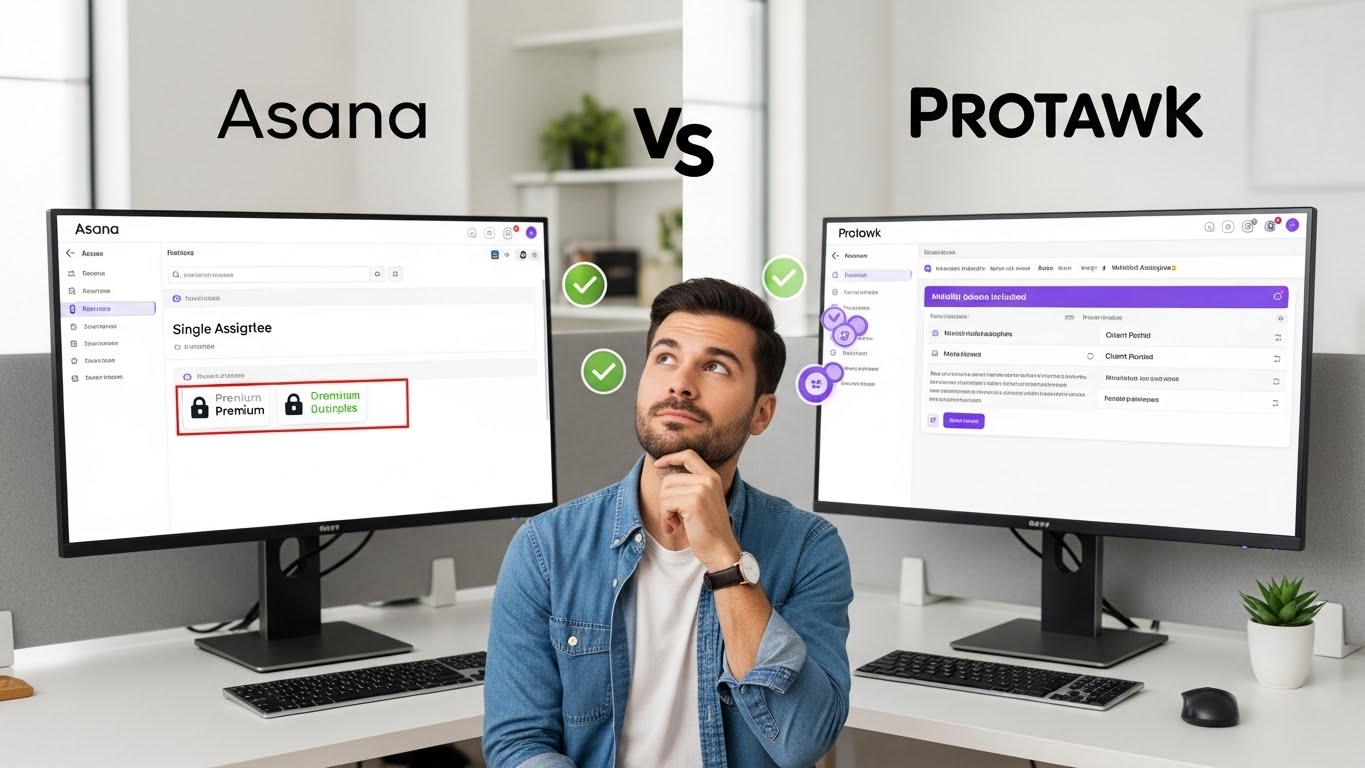
- No native client portal
- Single-assignee per task limitation
- Timeline requires Premium ($11/user/month)
- Can become complex for simple needs
Best for: Mid-sized agencies already in Asana's ecosystem
Monday.com
Strengths:
- Highly visual interface
- Extensive customization
- Strong automation
- Good dashboard/reporting
Weaknesses:
- Pricing adds up quickly ($9-16/user/month)
- Can feel overwhelming
- Feature bloat for simple projects
- Client portal is limited
Best for: Larger agencies wanting maximum customization
ClickUp
Strengths:
- Feature-rich platform
- Multiple views included
- Competitive free tier
- Strong automation
Weaknesses:
- Steep learning curve
- Can feel cluttered
- Performance issues with large workspaces
- Client portal requires Enterprise
Best for: Agencies wanting maximum features regardless of complexity
Basecamp
Strengths:
- Simple, opinionated design
- Flat pricing ($99/month unlimited)
- Client access included
- Low learning curve
Weaknesses:
- No Gantt charts or timeline views
- Limited customization
- Basic task management
- Feels dated compared to modern tools
Best for: Small agencies wanting simplicity over flexibility
Protawk
Strengths:
- 3 project views (Kanban, Gantt, Calendar)
- Native client portal built-in
- Milestone approval workflows
- Clean, modern interface
- Real-time collaboration (Spaces)
- Competitive pricing
Weaknesses:
- Newer platform (smaller ecosystem)
- Fewer integrations than established players
- No sprint/scrum features (yet)
Best for: Agencies needing views + client portal without complexity
Why Agencies Choose Protawk Over Trello
Let's be specific about what Protawk offers that Trello doesn't:
3 Views vs. 1 View
Trello gives you Kanban. Protawk gives you:
- Kanban Board - Same card-based workflow you love
- Gantt Chart - Timeline planning with dependencies
- Calendar View - Deadline visualization across projects
Same project data, 3 ways to see it. No Power-Ups required.
Native Client Portal
Protawk includes dedicated client portal functionality:
- Clients see a professional, simplified view
- You control exactly what's visible
- Milestone approval workflows included
- Comments and feedback in context
- No separate client-facing boards to maintain
This is how agencies should work with clients-not awkward workarounds.
Milestone-Based Project Structure
Agency projects are milestone-driven:
- Discovery → Design → Development → Launch
- Concept → Revision → Final → Delivery
- Strategy → Content → Distribution → Reporting
Protawk's milestone system matches how agencies actually work, with approval workflows at each phase.
Real-Time Collaboration
Protawk includes Spaces-integrated team chat:
- Channel-based conversations
- Direct messages
- File sharing in context
- Connected to projects and tasks
No separate Slack subscription needed (though you can integrate if you prefer).
Modern Interface Without Complexity
Protawk is designed for modern teams:
- Clean, uncluttered design
- Dark mode support
- Mobile-responsive
- Fast performance
- Intuitive without training
The interface feels contemporary without being overwhelming.
Migration: Trello to Protawk
Switching project management tools feels daunting. Here's how to make it smooth:
Step 1: Audit Your Current Boards
Before migrating, understand what you're moving:
- How many active boards do you have?
- Which boards have client involvement?
- What Power-Ups are you using?
- What's the data you can't lose?
Step 2: Map Your Structure
Decide how Trello boards translate to Protawk:
Option A: One board → One project Most direct translation. Each Trello board becomes a Protawk project.
Option B: Client → Workspace, Board → Project If you have multiple boards per client, create client workspaces with projects inside.
Option C: Consolidate boards Take this opportunity to clean up board sprawl. Not everything needs to migrate.
Step 3: Export from Trello
Trello allows JSON export of boards. This captures:
- Cards and their contents
- Lists (columns)
- Labels
- Comments
- Attachments (links, not files)
Go to Board Menu → More → Print and Export → Export as JSON
Step 4: Import or Recreate
Depending on data volume:
Small boards: Recreate manually in Protawk. Use this opportunity to clean up and reorganize. Takes a few hours but results in cleaner projects.
Large boards: Use Protawk's import functionality or CSV import to transfer data programmatically.
Step 5: Set Up Client Portals
For client-facing projects:
- Create the project in Protawk
- Set up milestones matching client expectations
- Configure client portal visibility
- Invite clients to their portal
- Provide brief orientation
Step 6: Team Transition
Get your team on board:
Week 1: Run Trello and Protawk in parallel. New work starts in Protawk; active work stays in Trello.
Week 2-3: Move active projects to Protawk as convenient. Team gets comfortable with new tool.
Week 4: Trello becomes read-only archive. All active work in Protawk.
Week 5+: Full transition complete. Reference Trello archives as needed.
Step 7: Client Transition
Communicate proactively:
- Explain the change (better visibility for them!)
- Provide portal access and brief walkthrough
- Be available for questions during transition
- Follow up to ensure they're comfortable
Common Concerns When Switching
"Our team knows Trello"
Protawk's Kanban view works similarly to Trello. The learning curve is minimal-your team will be productive within hours, not weeks. And they'll appreciate having Gantt and Calendar views for the projects that need them.
"We have years of history in Trello"
You don't need to delete Trello. Keep it as an archive for historical reference. Move forward with new projects in Protawk. Eventually, old Trello data becomes irrelevant.
"Switching sounds disruptive"
The parallel running period minimizes disruption. Teams continue working while gradually shifting to the new tool. No "big bang" migration required.
"What if Protawk doesn't work for us?"
Start with a free trial. Run a real project through Protawk before committing. If it's not right, you've lost nothing. But most agencies find the combination of views, client portal, and clean interface exactly what they need.
Making the Decision
Trello is excellent for what it is-a simple, visual Kanban tool. There's no shame in starting with Trello or using it for straightforward projects.
But agencies outgrow tools. When you're maintaining duplicate boards for clients, wishing for Gantt charts, paying for stacks of Power-Ups, or struggling with multi-project visibility, it's time to graduate.
Stay with Trello if:
- Simple Kanban meets all your needs
- You don't work with external clients
- Your team is small (1-5 people)
- Project complexity is low
- Power-Up costs don't bother you
Switch to Protawk if:
- You need multiple project views
- Client collaboration is important
- Milestone-based delivery matches your work
- You want native features vs. Power-Up patchwork
- You're ready for a tool that grows with you
Start Your Protawk Trial Today
Experience what Trello could have been-a flexible, powerful project management platform that handles how agencies actually work.
Get 3 project views (Kanban, Gantt, Calendar), native client portals, milestone workflows, and real-time collaboration. No Power-Up costs, no feature fragmentation, no working around limitations.
Create your first project, invite your team, set up a client portal. See why agencies graduate from Trello to Protawk.
Because your agency deserves more than Kanban-only.