
Every day, millions of team members waste hours switching between disconnected apps. Chat in Slack. Tasks in Trello. Files in Google Drive. Video calls in Zoom. This fragmentation isn't just annoying-it's destroying your team's productivity.
We discovered something shocking: the average knowledge worker switches between apps 1,200 times per day. That's once every 40 seconds during an 8-hour workday. Each switch costs focus, context, and momentum. Modern project management software should solve this problem, not make it worse.
Yet here we are. Most project management solutions force teams to choose between simplicity and functionality. Simple tools lack essential features. Complex platforms overwhelm users with options. And nearly all of them require multiple collaboration tools just to get basic work done.
The Hidden Crisis in Project Management Software
Let's expose what's really happening with today's project management platforms. The problem runs deeper than missing features or high prices. It's a fundamental disconnect between how software companies build tools and how teams actually work.
The App Fragmentation Epidemic
Your team probably uses at least five different collaboration tools to manage tasks and coordinate work. This isn't efficiency-it's chaos wearing a productivity mask.
Consider a typical project workflow. A team member creates a task in your project management system. Discussion happens in Slack. Files get uploaded to Google Drive. Due dates live in calendars. Meeting notes exist in yet another app. Finding information requires detective work across multiple platforms.
This fragmentation creates massive problems:
- Teams lose context between collaboration tools
- Team members miss critical updates in the noise
- Project workflows break when one tool changes
- Information silos prevent effective team collaboration
- Onboarding new people becomes a multi-day ordeal
The average team spends 20% of their time just managing their tools. That's one full day per week lost to the very systems meant to save time.
The True Cost of Tool Overload
When teams juggle multiple project management apps, the costs compound quickly.
Financial Drain: A 10-person team typically spends $500-800 monthly on various collaboration tools. Slack costs $7.25 per user. Asana runs $10.99. Zoom adds $14.99. Dropbox charges $15. These subscriptions pile up fast, draining budgets that could fund growth.
Productivity Loss: Studies show knowledge workers lose 2.5 hours daily to app switching and information hunting. For a team of 10, that's 125 hours weekly-equivalent to having three full-time employees do nothing but switch between tools.
Decision Fatigue: When every action requires choosing which tool to use, mental exhaustion sets in. Should this discussion happen in Slack or on the task? Where should I save this file? Which project management platform has the latest version? These micro-decisions accumulate into major cognitive load.
Security Risks: Each tool creates a potential security breach. More logins mean more passwords to manage. More integrations create more failure points. More platforms increase your attack surface.
Why Traditional Project Management Solutions Keep Failing
After analyzing hundreds of project management platforms, we identified three fundamental flaws that doom most solutions.
The Feature Arms Race
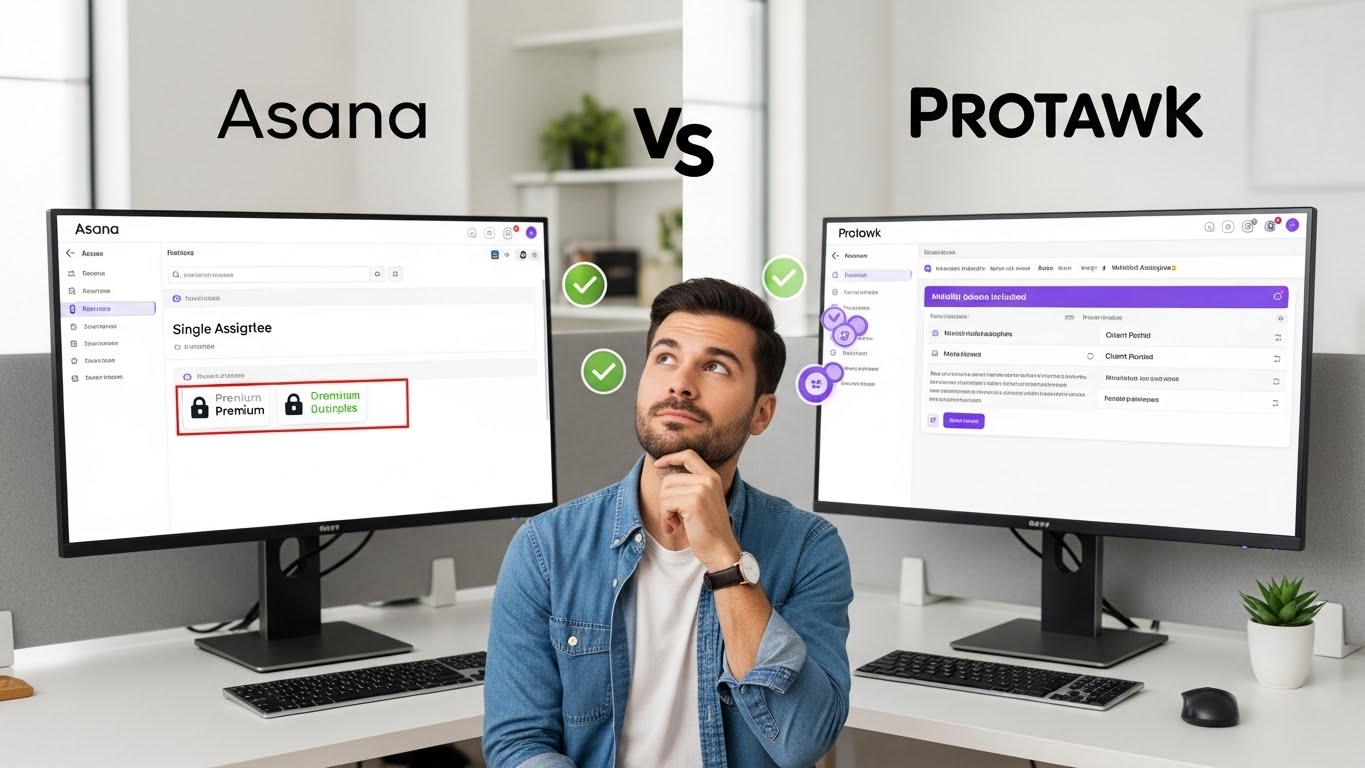
Major project management software companies compete by adding features. Monday.com brags about 200+ integrations. ClickUp promotes its 15 different views. Asana highlights custom fields and complex automations.
But here's the truth: features don't solve problems-they often create them.
When project management apps prioritize feature quantity over user experience, teams suffer. A simple task like setting due dates becomes a multi-step process involving custom fields, automations, and dependencies. What should take seconds requires minutes of configuration.
The result? Teams use maybe 20% of available features while struggling with unnecessary complexity. They need to manage tasks, not manage their task management software.
Real teams need:
- Clear task organization
- Effective team collaboration
- Simple file sharing
- Easy progress tracking
- Reliable notifications
Everything else is noise that clutters the experience and slows teams down.
The Integration Trap
Many project management solutions promise to solve fragmentation through integrations. "Connect all your favorite apps!" they claim. But integrations are bandages on a broken system.
Consider what integrations actually mean:
- Constant maintenance as APIs change
- Sync delays that create confusion
- Data conflicts between platforms
- Security risks from third-party access
- Feature limitations due to API constraints
Even worse, integrations encourage tool sprawl. Instead of combining tools, teams add more apps because "they integrate." Soon you're managing a complex web of connections that break whenever any tool updates.
True integration means building essential features natively. When chat, tasks, files, and video exist in one project management system, there's nothing to integrate. Everything just works.
The Enterprise Blindness
Most successful project management software companies eventually focus on enterprise clients. It makes financial sense-one Fortune 500 contract equals thousands of small team subscriptions.
But enterprise needs differ drastically from small and medium teams:
Enterprise teams want:
- Complex permission hierarchies
- Detailed audit trails
- Custom workflows for compliance
- Advanced reporting for executives
- Integration with legacy systems
Small teams need:
- Quick setup without IT support
- Intuitive interfaces anyone can use
- Flexible project workflows
- Affordable pricing with unlimited users
- Tools that work instantly
When project management platforms design for enterprises, they create experiences that overwhelm smaller teams. Features like custom fields, automation rules, and complex permissions become obstacles rather than advantages.
The Psychology of Why Teams Reject Project Management Software
Understanding why teams abandon project management software reveals crucial insights about building better solutions.
Cognitive Overload Kills Adoption
The human brain can only process so much information at once. When project management apps present dozens of options, setup choices, and configuration settings, they trigger decision paralysis.
Teams don't want to spend weeks learning new software. They want to manage tasks and collaborate effectively. Every extra click, every hidden menu, every complex workflow reduces the likelihood of adoption.
Successful project management software respects cognitive limits by:
- Presenting clear, limited choices
- Using consistent patterns throughout
- Hiding complexity until needed
- Defaulting to sensible options
- Making common tasks obvious
The Habit Formation Challenge
Changing team habits is incredibly difficult. People develop workflows around their current tools, even inefficient ones. New project management platforms must provide immediate value to overcome habit inertia.
Most software fails this test. They require extensive setup before showing value. Teams must migrate data, configure workflows, train members, and adjust processes. By the time setup completes, enthusiasm has died.
Smart project management solutions flip this script:
- Work immediately with zero configuration
- Import existing data automatically
- Provide instant wins on day one
- Build habits through positive reinforcement
- Make the old way feel painful by comparison
Social Dynamics Drive Tool Choice
Teams don't adopt tools-people do. And people are social creatures influenced by peer behavior. One resistant team member can derail an entire implementation.
Traditional project management software ignores these dynamics. They focus on features and assume rational decision-making. But tool adoption is emotional and social.
Successful platforms understand that:
- Early adopters influence others
- Positive experiences spread organically
- Friction points become complaints
- Team leaders set usage patterns
- Social proof drives decisions
How Modern Teams Actually Work
Let's move beyond theory and examine how teams work in practice.
The Reality of Remote and Hybrid Work
Remote work isn't temporary-it's the new normal. Even "office" teams work differently now. Team members collaborate across time zones, balance async and sync communication, and juggle multiple projects simultaneously.
This shift demands different project management solutions:
- Real-time collaboration for spontaneous discussions
- Async-friendly workflows for different schedules
- Mobile-first design for work from anywhere
- Video integration for face-to-face connection
- Presence indicators showing who's available
Traditional project management platforms built for co-located teams feel outdated. They assume everyone works 9-5 in the same office. Modern teams need flexibility without sacrificing connection.
The Project Complexity Spectrum
Not all projects are equal. Project management software must handle everything from simple task lists to complex multi-phase initiatives. But most platforms force one approach on all project types.
Simple projects need:
- Quick task creation
- Basic due dates
- Simple assignment
- Clear progress indicators
- Minimal configuration
Complex projects require:
- Phase planning with dependencies
- Resource allocation across team members
- Kanban boards and Gantt charts
- Advanced project workflows
- Detailed progress tracking
The best project management systems adapt to project complexity. Simple stays simple. Complex becomes manageable. Teams choose the right level without platform limitations.
Building Project Management Software That Teams Love
What does it take to build project management software that teams actually want to use?
Everything in One Intelligent Workspace
Instead of integrating separate tools, build essential features natively. Team collaboration happens where work lives. Files attach directly to relevant tasks. Discussions connect to specific projects. Video calls launch without leaving your workspace.
This unified approach eliminates:
- App switching fatigue
- Lost context between tools
- Sync delays and conflicts
- Security risks
- Subscription sprawl
When everything exists in one project management system, work flows naturally. Team members spend time doing instead of searching, switching, and syncing.
Simplicity Without Sacrificing Power
Powerful features should feel simple. Project workflows adapt to your needs without complex configuration. Kanban boards and Gantt charts appear when helpful, hide when not. Due dates and assignments work naturally.
The design philosophy:
- Progressive disclosure reveals features as needed
- Smart defaults eliminate most configuration
- Consistent patterns reduce learning curves
- Visual clarity makes status obvious
- Flexible views support different work styles
Teams can start working immediately. Advanced features appear naturally as projects grow complex. Power exists without overwhelming new users.
Pricing That Makes Sense
Traditional project management software uses pricing to extract maximum revenue. They limit users, gate essential features, and force upgrades through artificial constraints.
A different approach:
- Generous free tier supporting real teams
- Transparent pricing without hidden costs
- No feature gates on essential functionality
- Predictable scaling as teams grow
- Free trial with all features included
Teams shouldn't fear success. Growth shouldn't trigger painful price jumps. Good project management solutions support teams at every stage.
Real Success Stories
Design Agency Discovers Clarity
Sarah's design agency juggled client projects across six different tools. Designers used Figma. Project managers lived in Asana. Clients communicated through email. Files scattered across Google Drive and Dropbox.
"We were drowning in tools," Sarah explained. "Clients complained about confusion. Designers missed feedback. Projects ran over budget because we couldn't track time properly."
After switching to a unified platform:
- Project visibility improved 90%
- Client satisfaction scores jumped 40%
- Project profits increased 25%
- Onboarding new freelancers dropped from 5 hours to 30 minutes
"Everything connects now. Designers see client feedback on their tasks. Project managers track time without separate tools. Clients access their projects through branded portals. It just works."
Startup Accelerates Without Chaos
Mike's startup needed to move fast without losing control. Their initial tool stack-Slack, Notion, Linear, Google Workspace-created more problems than it solved.
"We spent more time managing tools than building our product. Engineers complained about notification overload. Product specs got lost between Notion and Linear. Standup meetings became status report theater."
After consolidating:
- Development velocity increased 40%
- Meeting time decreased 60%
- Team collaboration satisfaction hit 95%
- Time to market improved by 6 weeks
"Our entire product roadmap lives in one place now. Engineers track bugs and features. Product manages specs and feedback. Everyone sees progress in real-time. We ship faster because we waste less time on process."
Making the Right Choice for Your Team
After exploring the landscape of project management platforms, how do you actually choose the right solution?
Define Your Non-Negotiables
Start by identifying absolute requirements-features or capabilities without which a tool simply won't work for your team. Common non-negotiables include:
- Specific integration requirements
- Compliance or security certifications
- Mobile app availability
- Offline functionality
- Specific visualization types
- Language support
- Data residency requirements
Be ruthless about distinguishing true requirements from nice-to-haves. Every non-negotiable narrows your options.
Evaluate Based on Your Reality
Test platforms using real projects and actual team members. Demos and trials with dummy data never reveal the true user experience. During evaluation:
- Import a completed project to see how the tool handles your data
- Run an active project through the entire workflow
- Include skeptical team members in testing
- Test under realistic conditions (multiple projects, real deadlines)
- Evaluate mobile apps if remote work is important
- Test integrations with your actual tools
Pay attention to small frictions that could become major annoyances with daily use.
Consider Total Cost of Ownership
When evaluating project management software, consider all costs:
Direct Costs: Even free tools might require paid add-ons, additional storage, or premium integrations. Understand what you'll likely need within 12-24 months.
Indirect Costs: Factor in training time, migration effort, and productivity loss during transition.
Opportunity Costs: A limited tool might technically work but prevent you from implementing valuable workflows or automations.
Growth Costs: Understand how costs scale as your team grows. Some tools become exponentially expensive with team growth.
The Protawk Approach
We built Protawk because we lived these problems. Our team struggled with the same fragmentation, complexity, and frustration plaguing millions of teams worldwide.
Instead of accepting the status quo, we imagined better:
- One workspace removing app switching
- Powerful features feeling genuinely simple
- Project workflows adapting to teams
- Collaboration tools integrated natively
- Pricing that supports growth
3 Project Views: Kanban, Gantt, and Calendar-all showing the same project data in different ways.
Native Client Portal: Clients see professional dashboards without accessing your internal chaos.
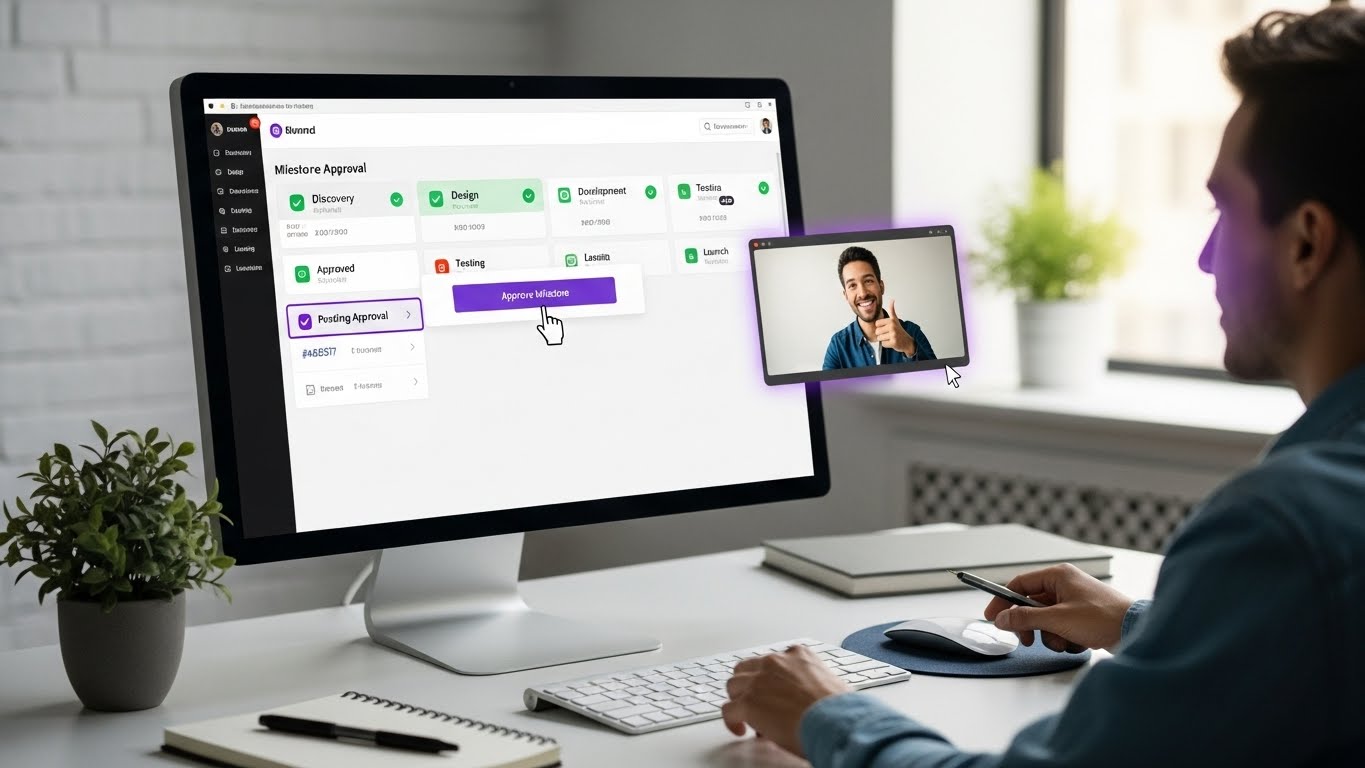
Milestone Workflows: Track deliverables with formal approval processes.
Simple by Design: Power without complexity. Productive in hours, not weeks.
Your Next Steps
The choice is yours. Continue juggling disconnected collaboration tools, fighting complex interfaces, and paying for features you'll never use. Or join teams who've discovered a better way.
Stop accepting dysfunction. Stop paying for complexity. Stop forcing your team to adapt to rigid software.
Experience project management software that actually makes sense. Join thousands of teams who've removed tool chaos and discovered focused productivity.
Because your team deserves project management software that enhances their work, not complicates it.